Learn, Assess & Manage Tabs
The Learn, Assess, and Manage tabs are where researchers deliver content to participants. Each tab organizes activities by what participants get out of them.
These tabs start empty. As you create activities through the dashboard, each one automatically appears in the appropriate tab based on its type. Researchers can customize tab placement if needed. Activities appear as cards that participants tap to open, and any activity with a schedule will also show up in the Feed at its scheduled time.
For details on creating and configuring activities, see Activities & Active Data. Researchers can also build custom activities using HTML and JavaScript — see Custom Activities for details.
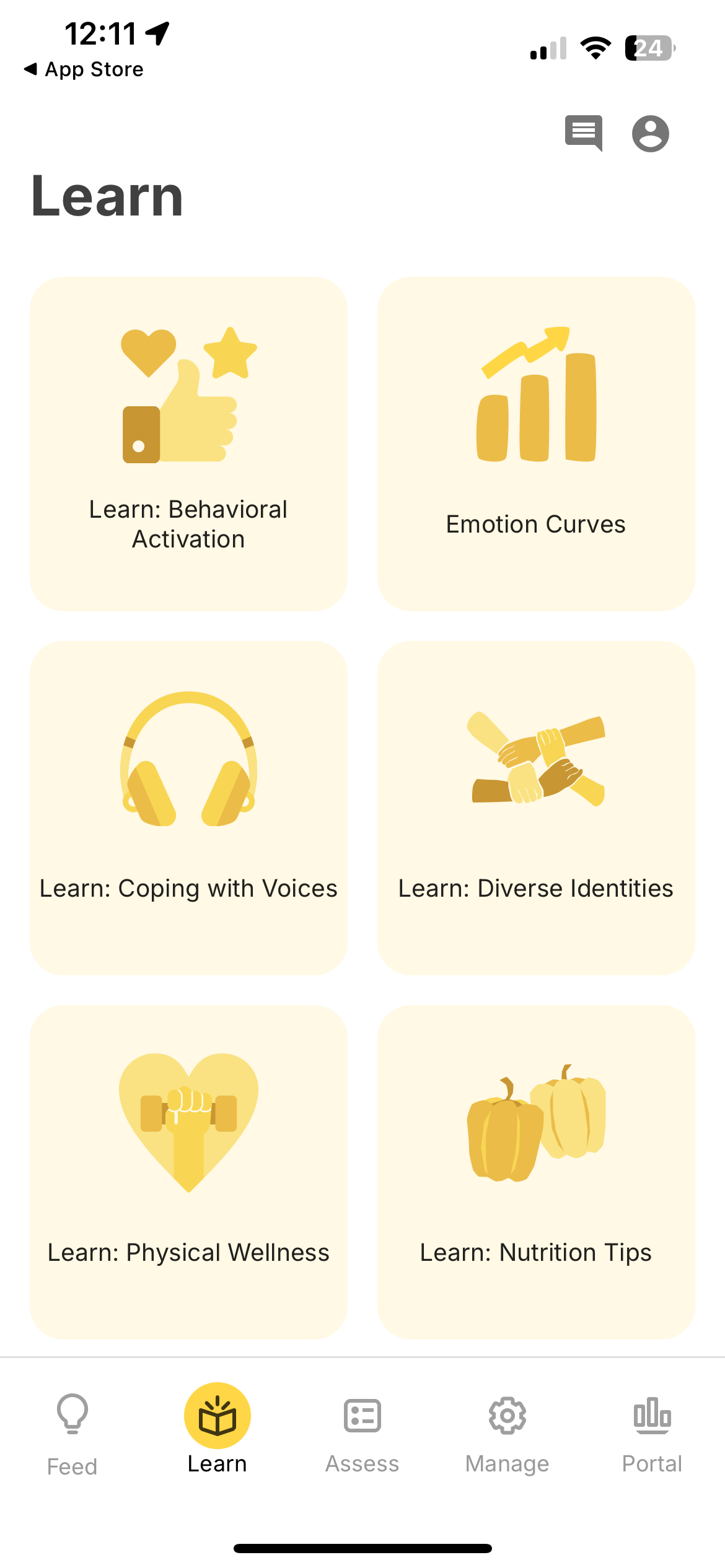
Learn
The Learn tab is for educational and motivational content that participants can browse at their own pace.
Activity types:
- Tips — Health education, motivational messages, skill-building resources, embedded videos, and links to external content.
Assess
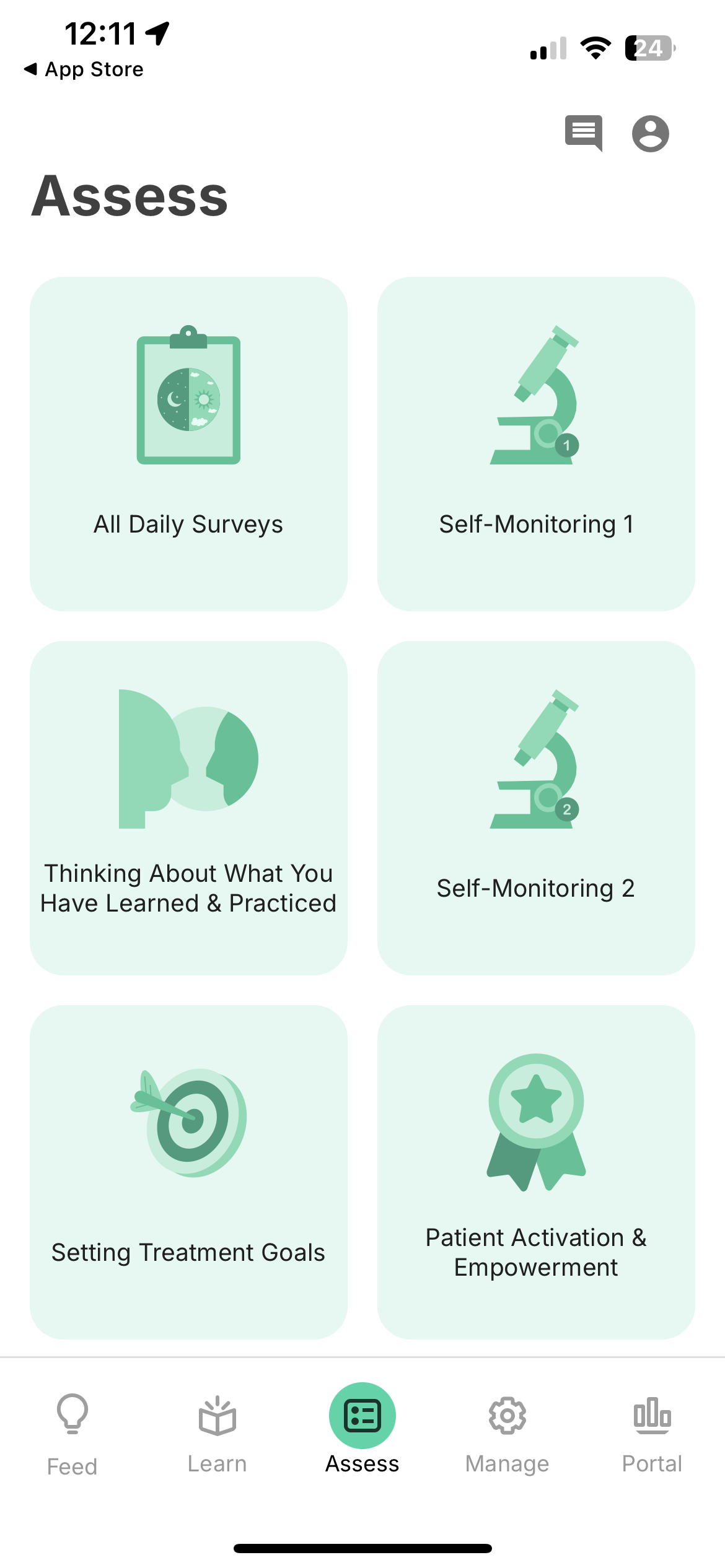
The Assess tab is for activities that collect active data from participants.
Activity types:
- Surveys — Customizable questionnaires with 10 question types, including validated clinical instruments.
- Cognitive Games — Standardized assessments spanning executive function, memory, attention, language, and visuospatial processing.
- Voice Recording — Audio recording activities with customizable prompts.
- DBT Diary Card — Dialectical Behavior Therapy tracking for targets, emotions, and skills used.
Manage
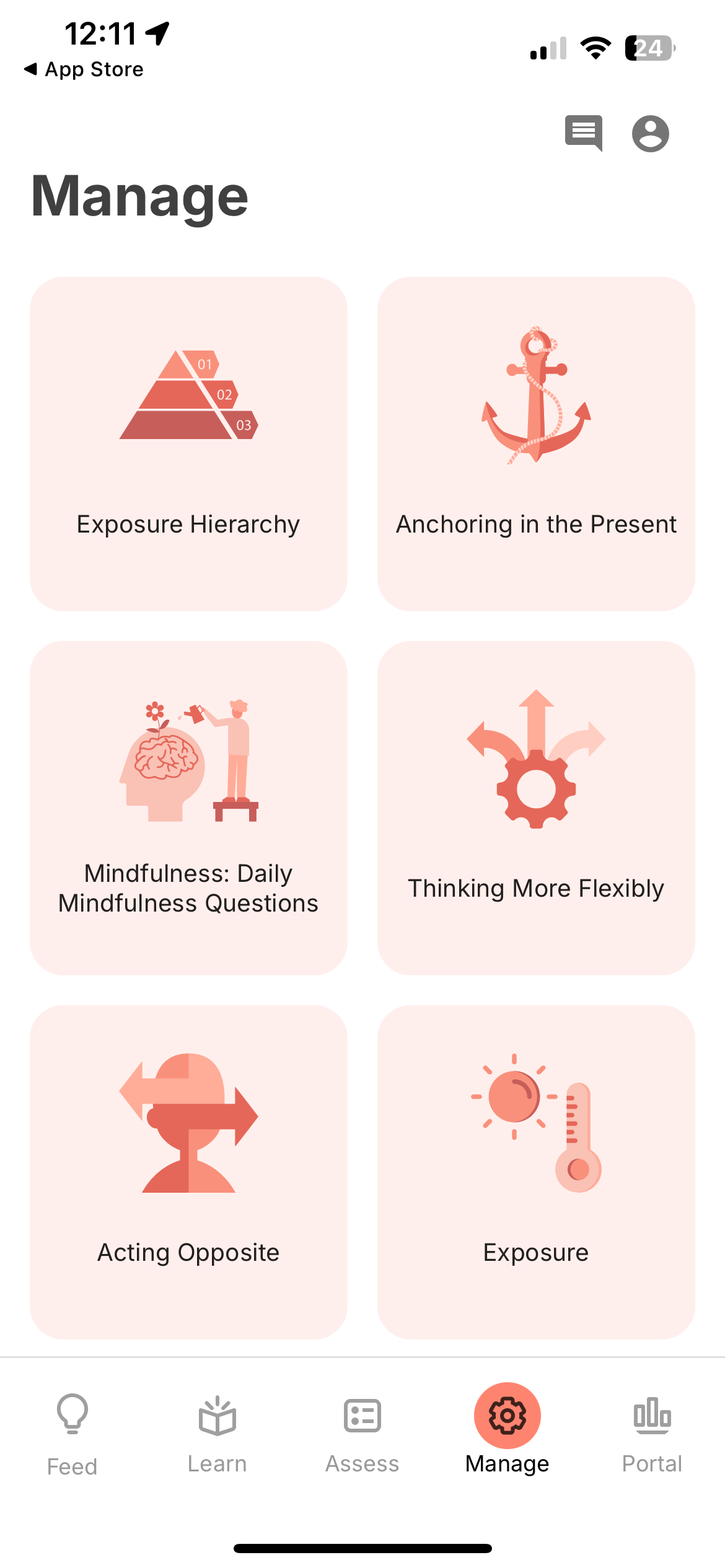
The Manage tab is for self-directed tools that participants use as part of their daily routine.
Activity types:
- Journal — Record thoughts, write lists, and make notes. Entries are timestamped and viewable in the Portal.
- Breathe — Guided breathing and meditation with optional custom audio.