Capability

Engage Participants

LAMP stands for Learn, Assess, Manage, and Prevent. Participants get a single app where they learn new skills, complete assessments, practice wellness activities, and track their own progress.

How Participants Interact with the App

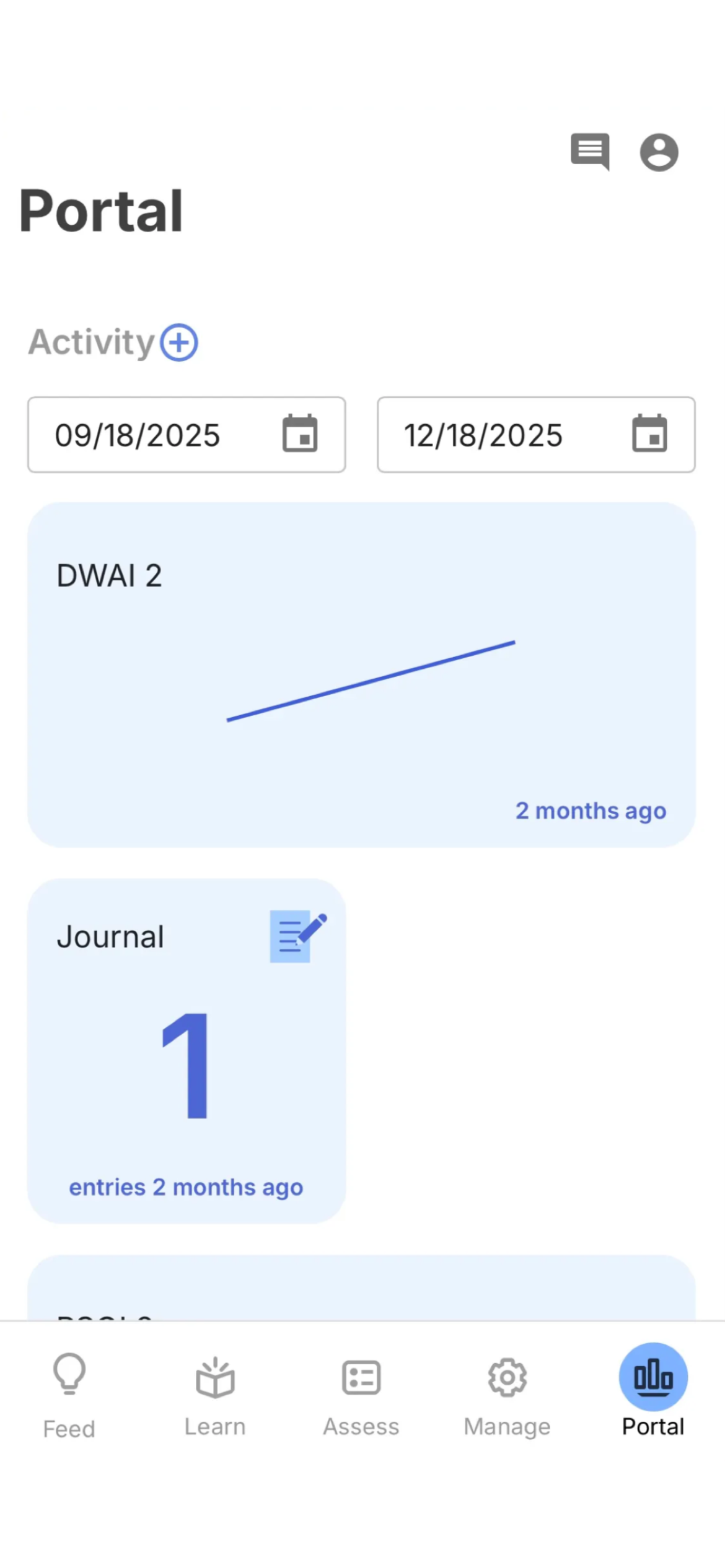
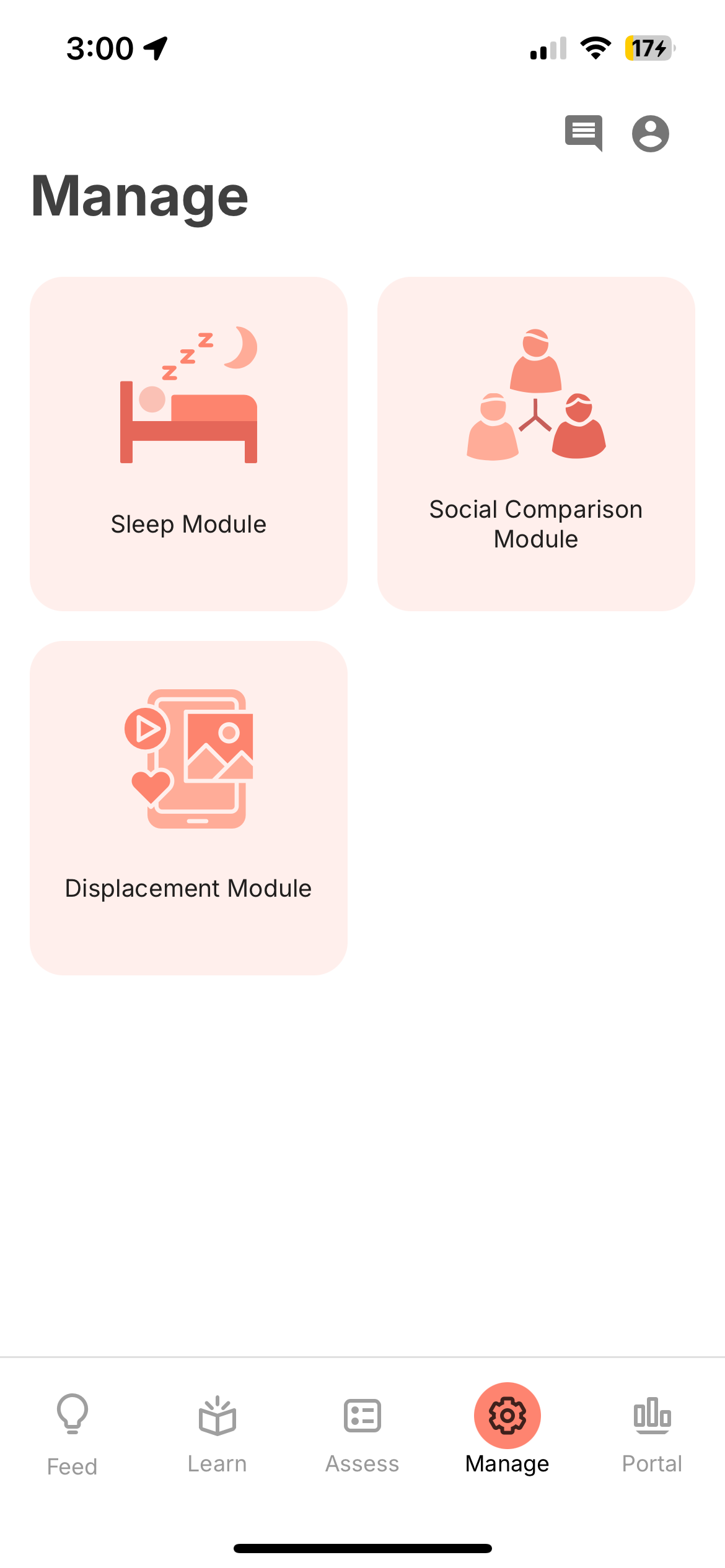
The mindLAMP app is organized into five tabs โ€” each serving a different part of the participant experience.
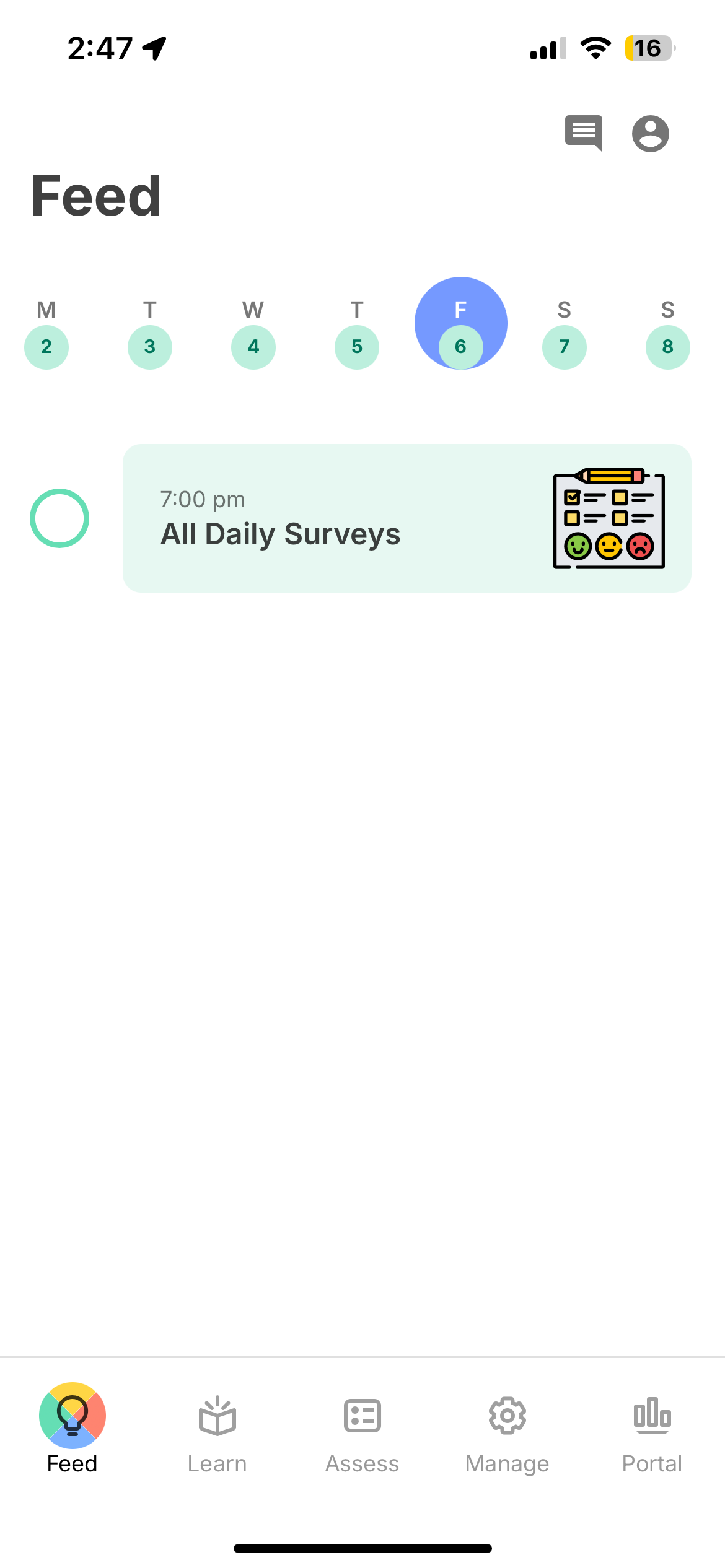
mindLAMP Feed tab

Feed

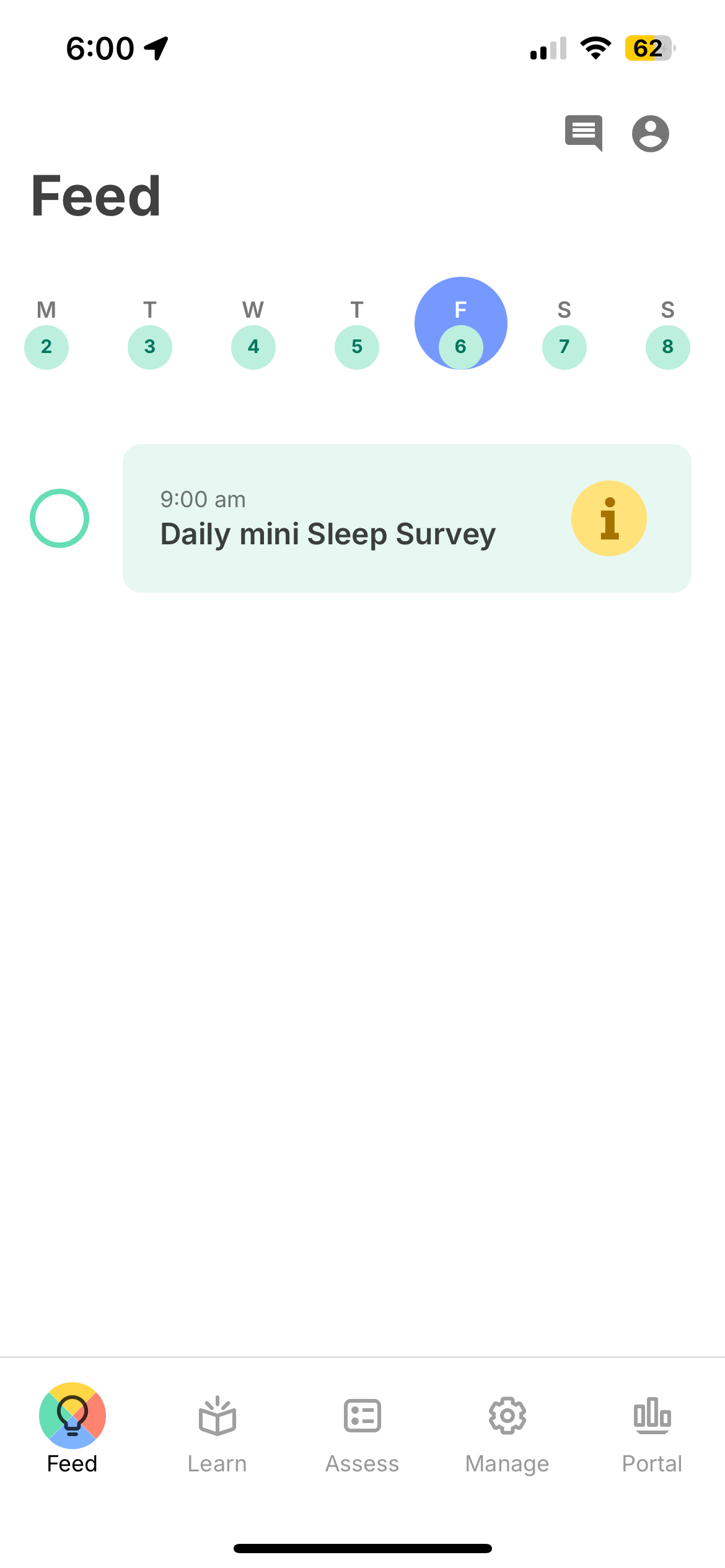
The participant's home screen, showing scheduled activities as a daily timeline. Participants work through their cards and see them checked off as they go.

  • Color-coded by activity type (Learn, Assess, Manage)
  • Week view for navigating past and upcoming days
  • Visual completion tracking
Feed documentation โ†’

One App, Many Configurations

The same platform serves postpartum mothers, college students exploring social media habits, and older adults with cognitive impairment โ€” each with a completely different participant experience.
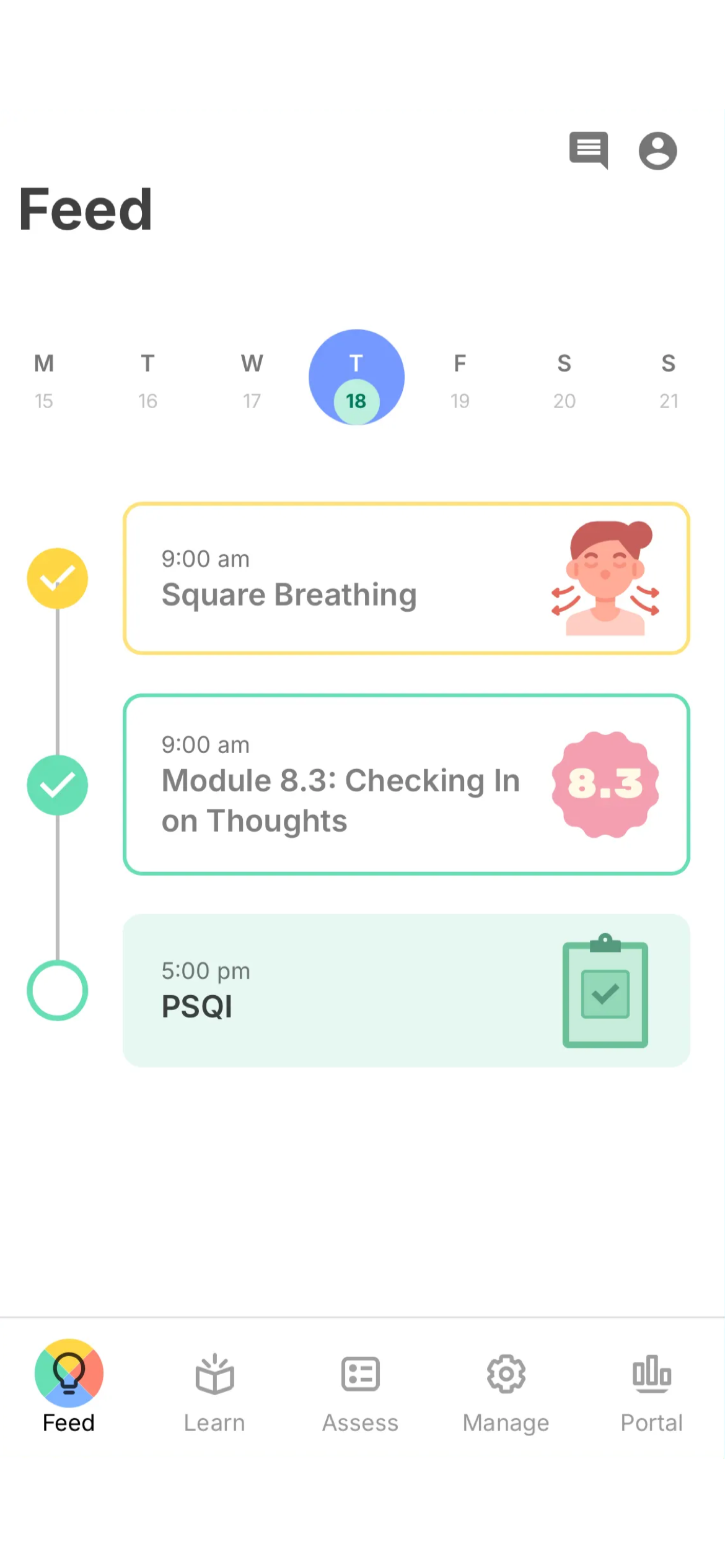
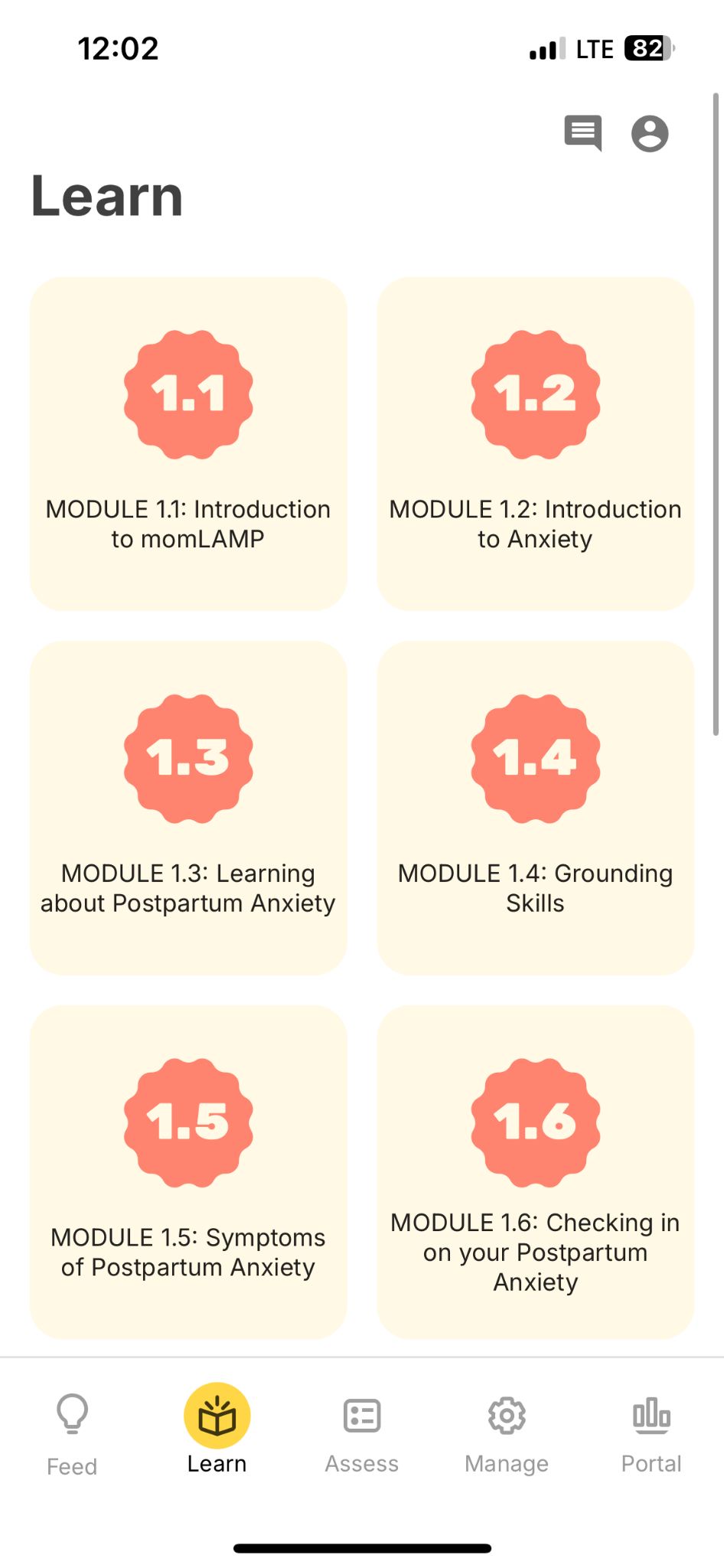
momLAMP
Brigham & Women's Hospital
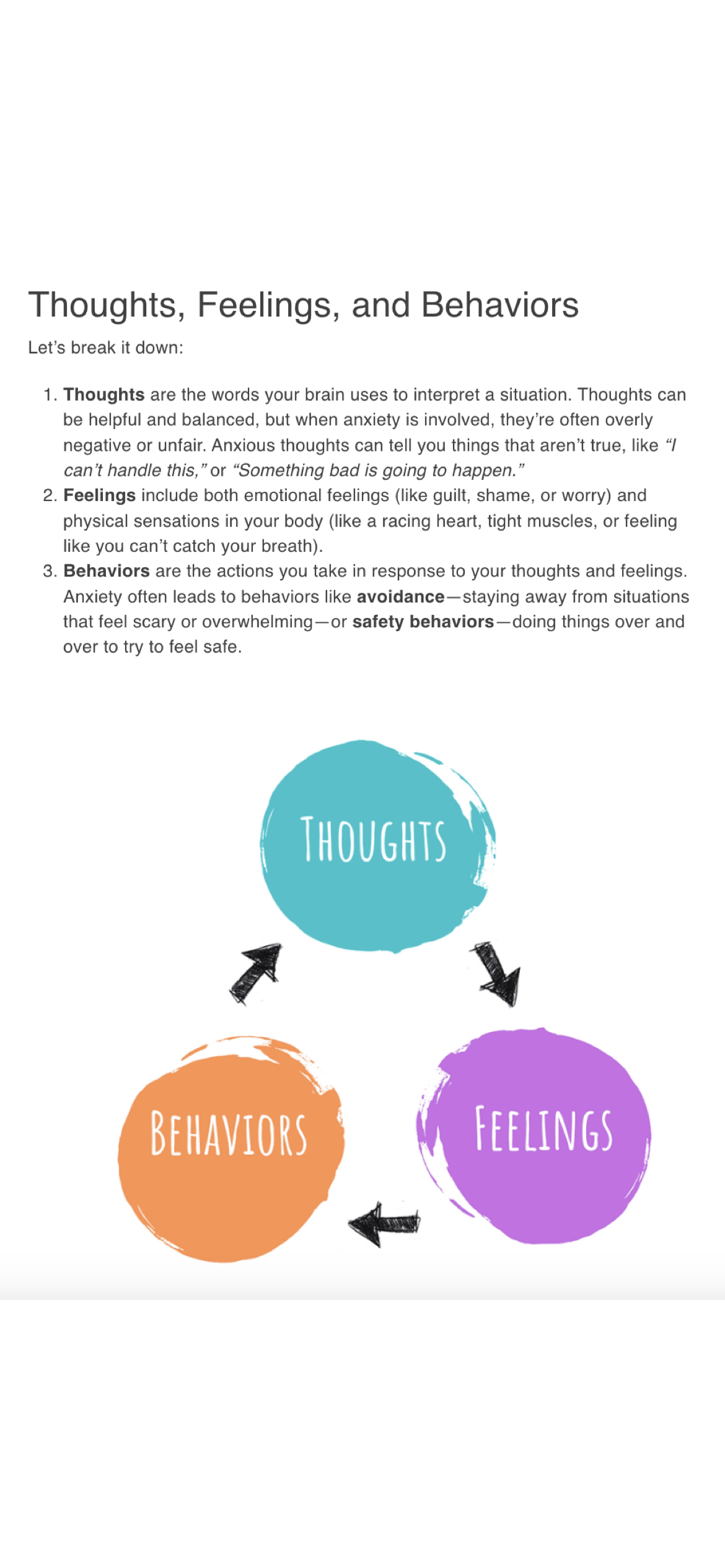
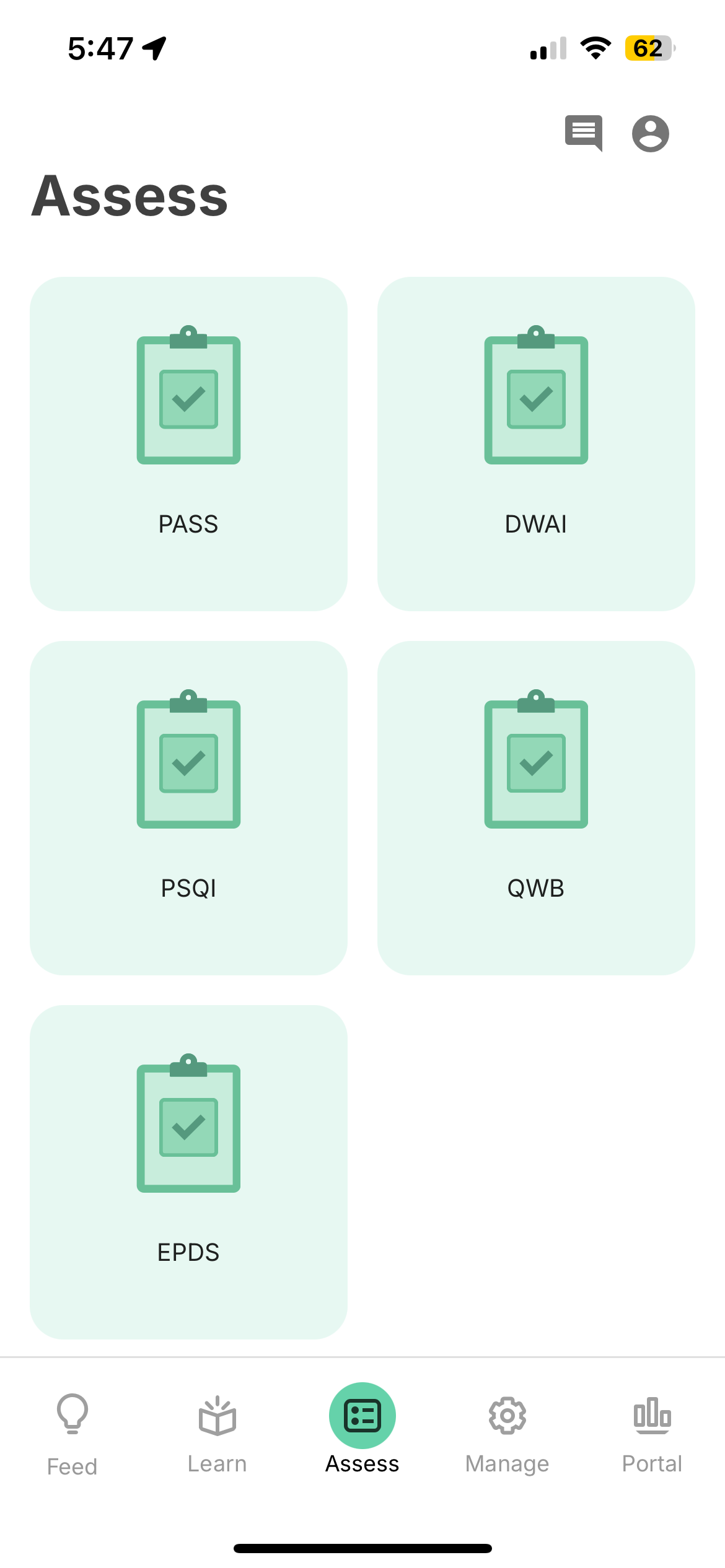
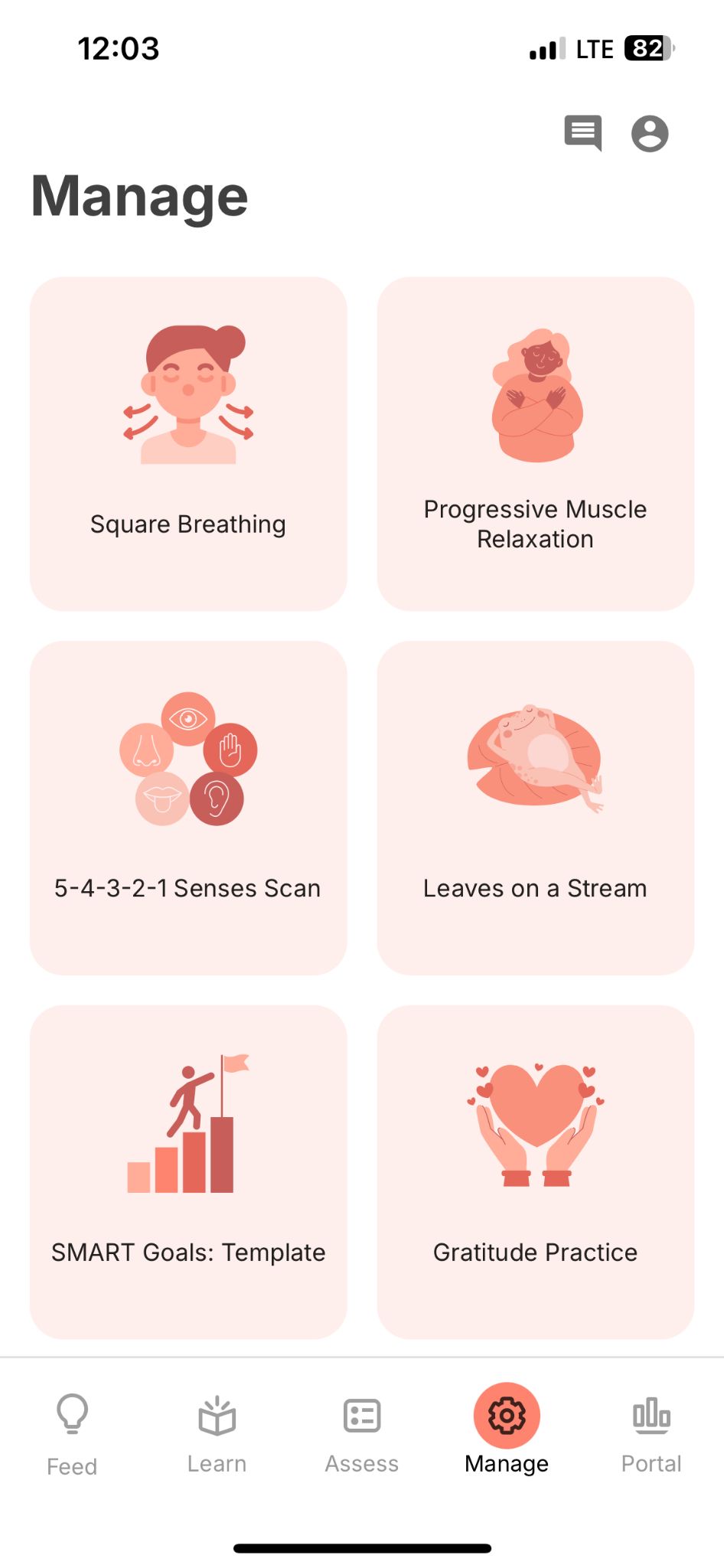
Postpartum anxiety program with structured psychoeducation and self-management tools
View project โ†’
Daily Schedule
Daily Schedule
Numbered Modules
Numbered Modules
CBT Psychoeducation
CBT Psychoeducation
Clinical Surveys
Clinical Surveys
Wellness Tools
Wellness Tools
Progress Tracking
Progress Tracking
Social Media & Mental Health
BIDMC Division of Digital Psychiatry
Multi-module program exploring the relationship between social media use and well-being
View project โ†’
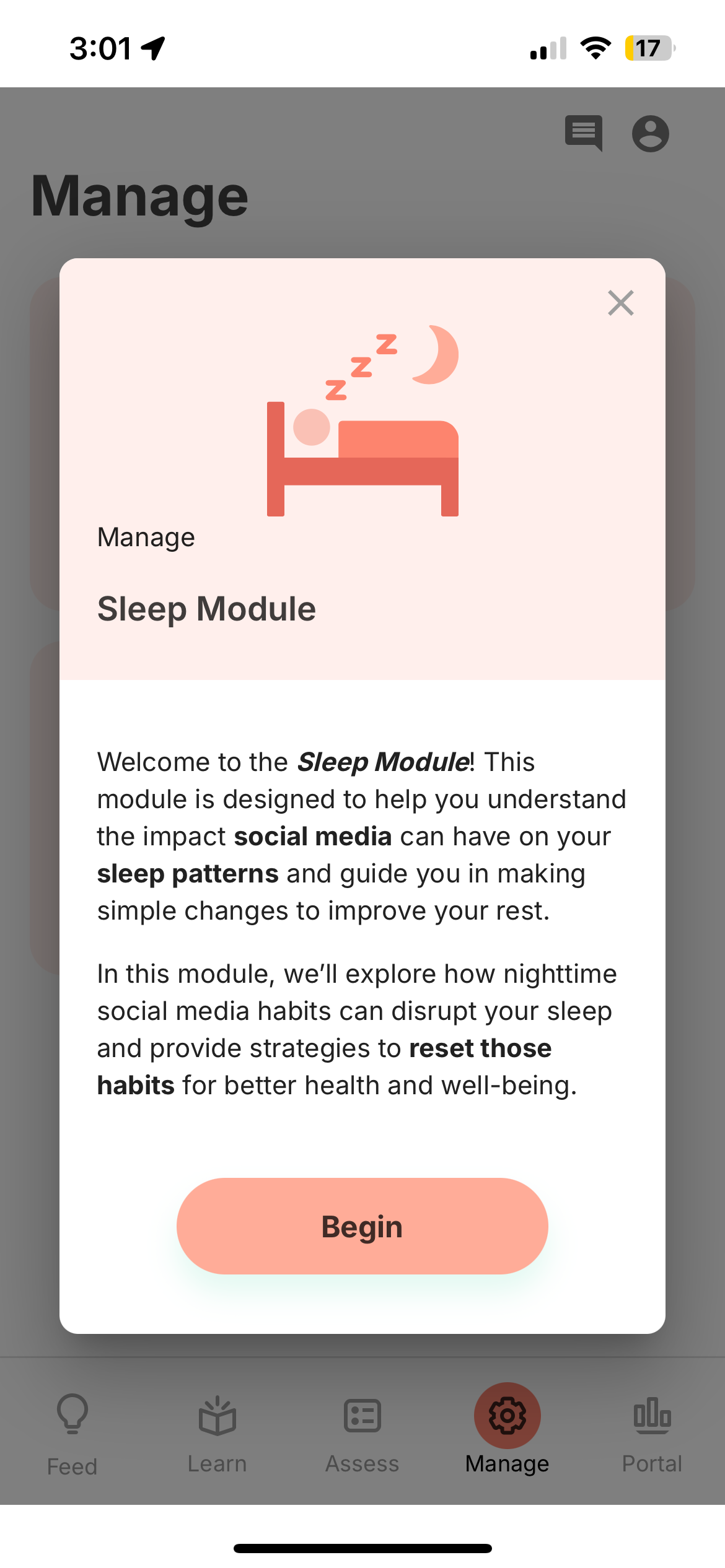
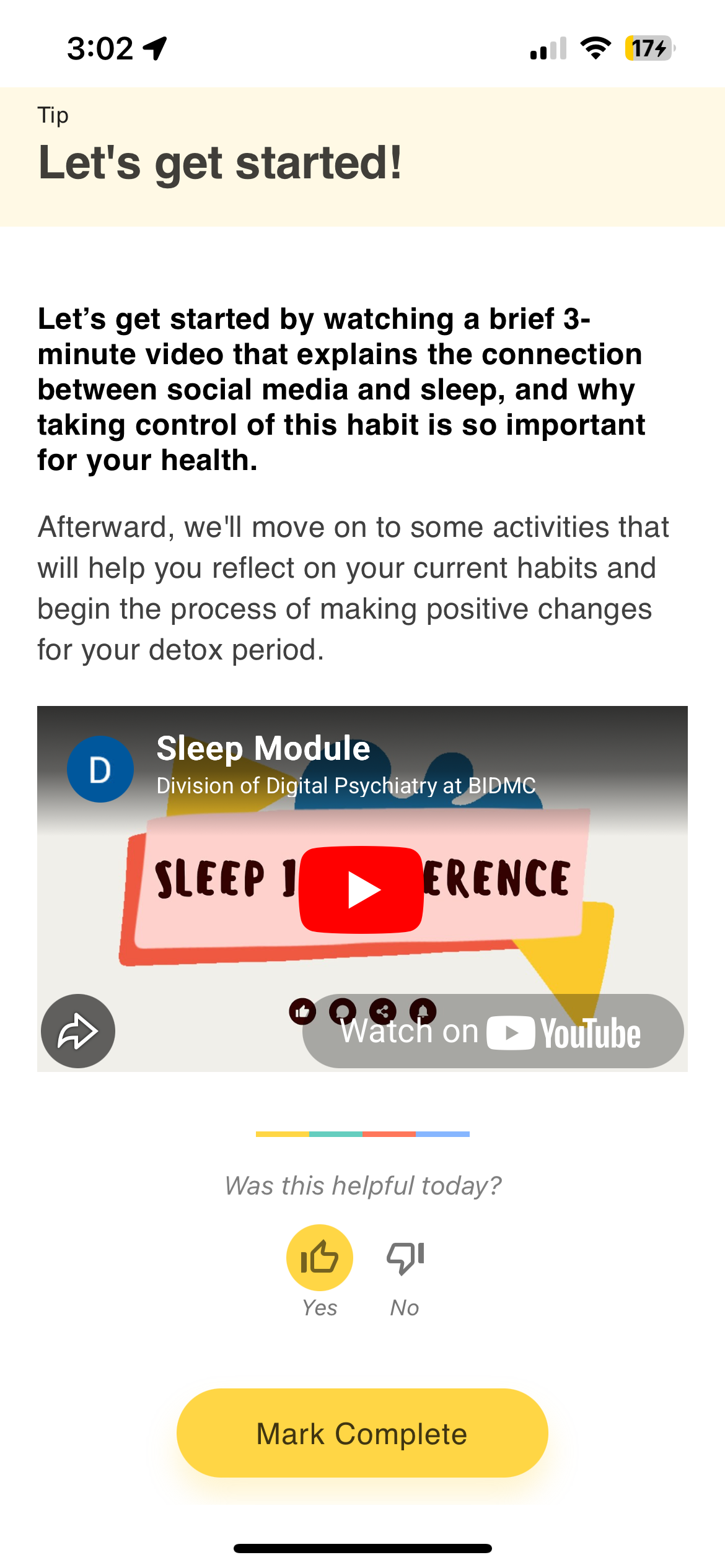
Activity Groups
Activity Groups
Module Launch
Module Launch
Embedded Video
Embedded Video
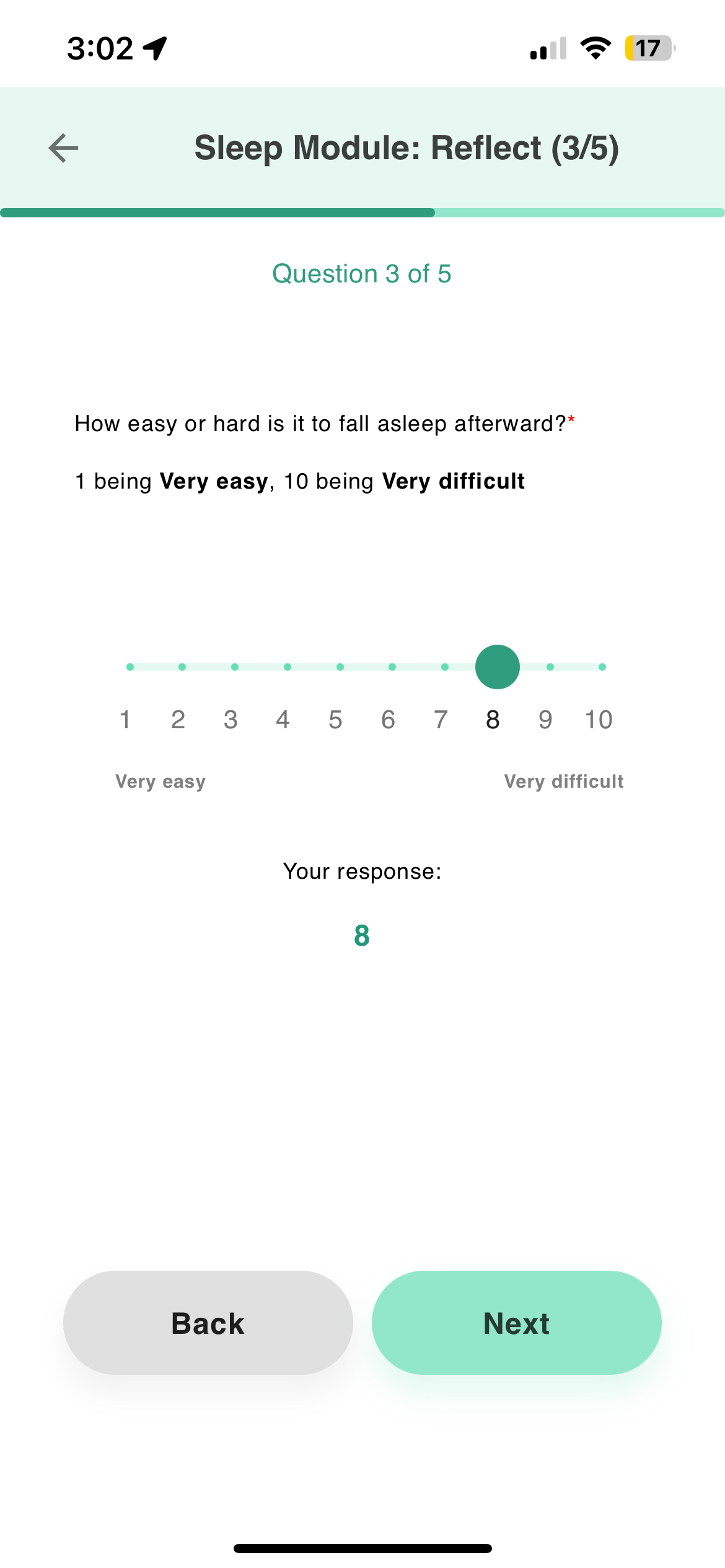
Slider Survey
Slider Survey
Module Completion
Module Completion
SMART-A
Beth Israel Deaconess Medical Center
Cognitive training and digital phenotyping for older adults
View project โ†’
Daily Schedule
Daily Schedule
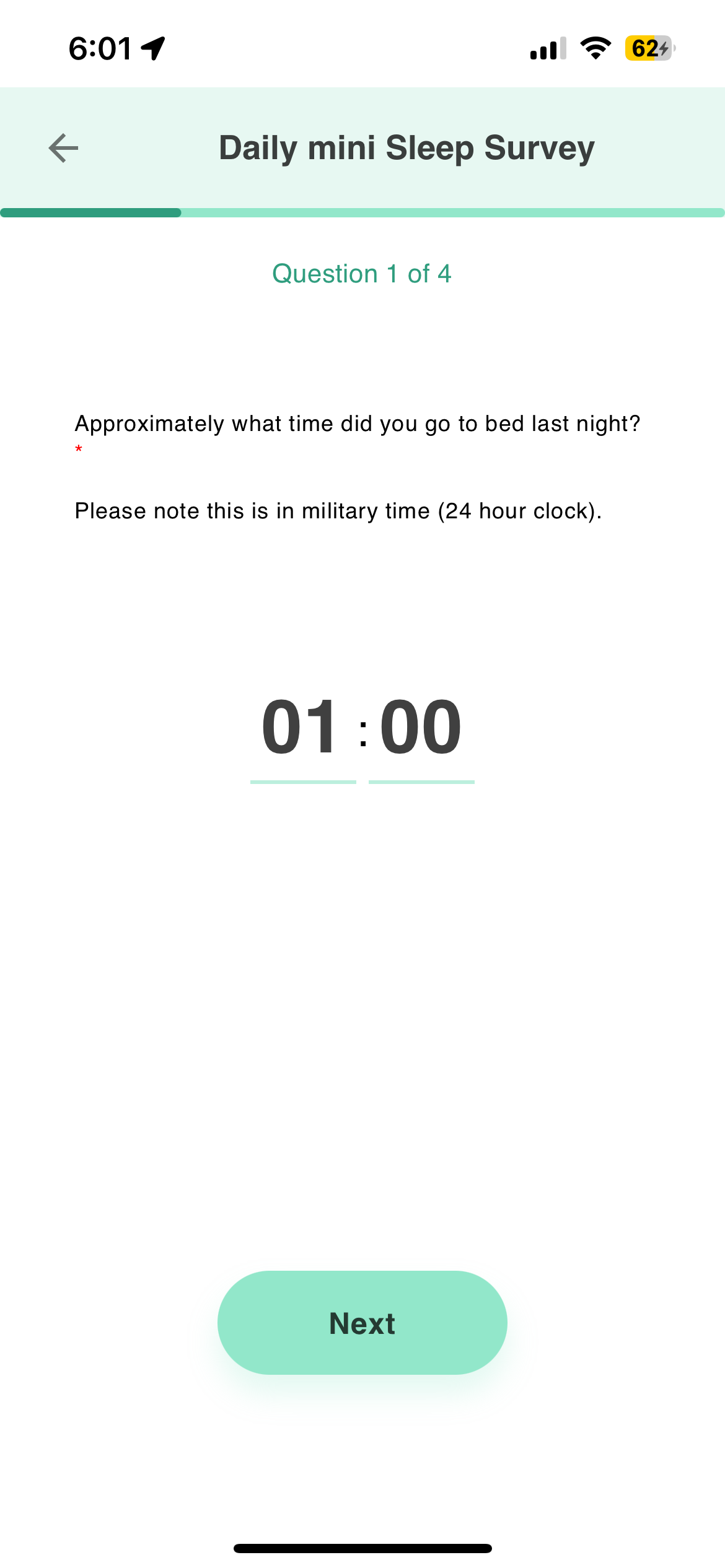
Sleep Survey
Sleep Survey
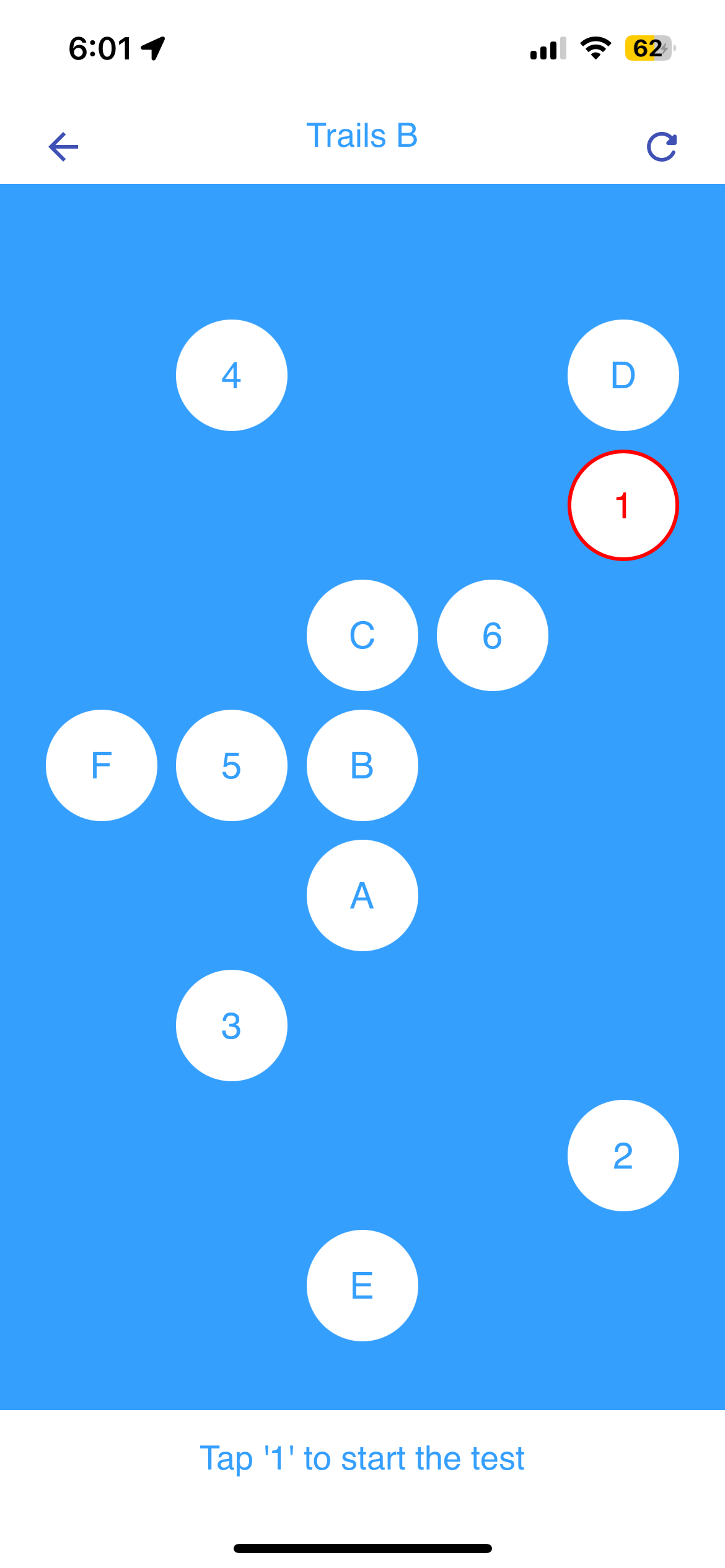
Trails B
Trails B
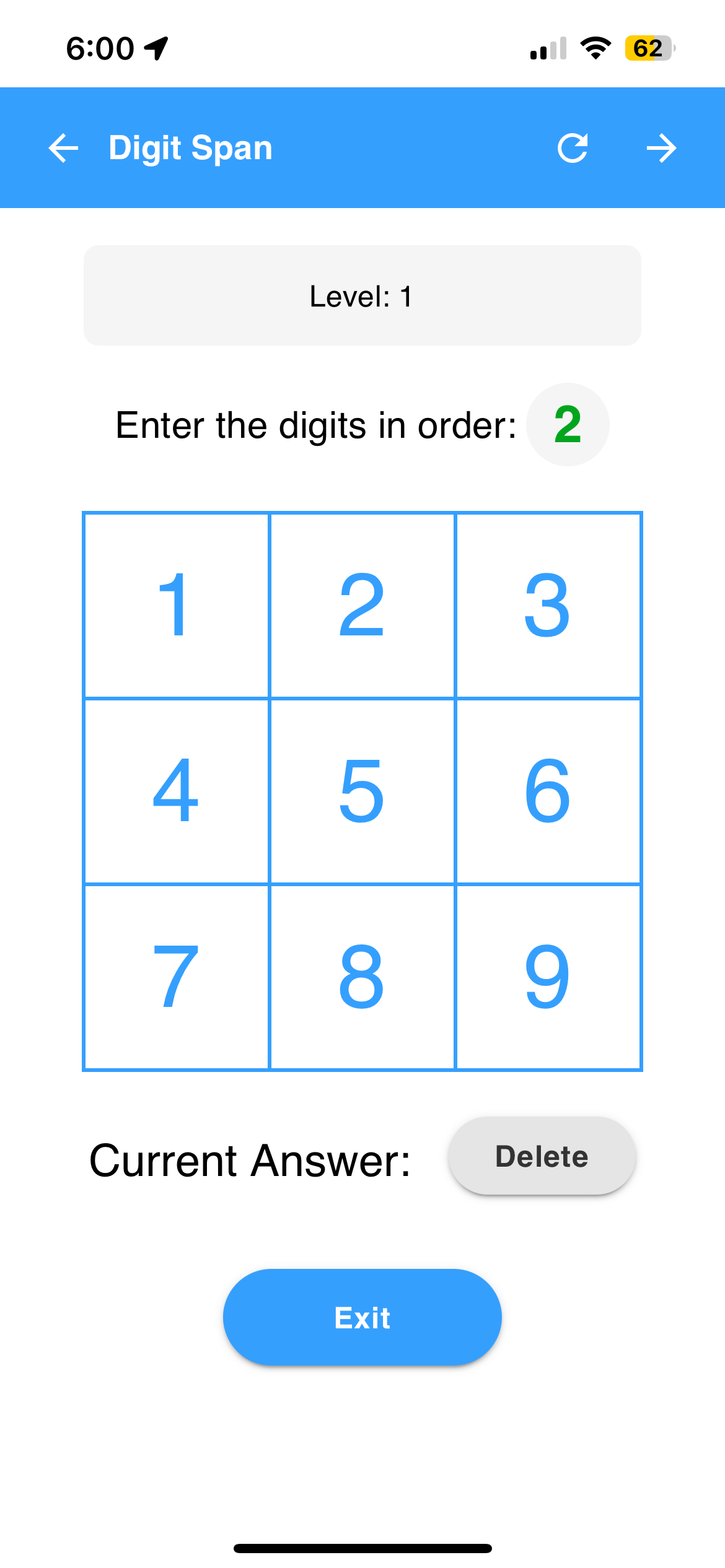
Digit Span
Digit Span
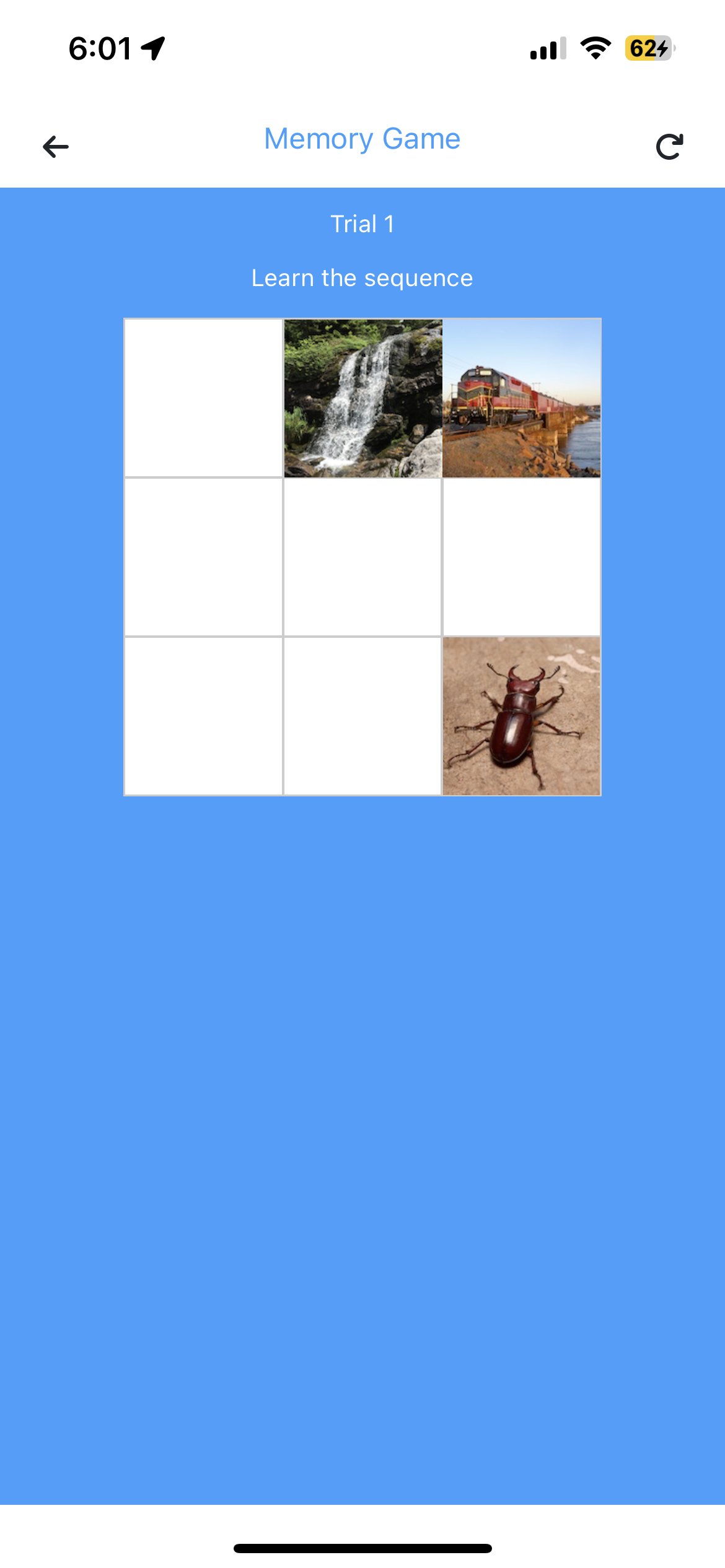
Memory Game
Memory Game

Engagement & Communication

The app also includes features for keeping participants engaged and connected to their care team.

Push Notifications
Participants receive push notifications reminding them to complete scheduled activities. Tapping a notification opens the activity directly.
Care Team Messaging
Participants can message their care team directly from the app and receive responses in the same conversation thread.
Streak Tracking
A streak counter shows participants how many consecutive days they've completed activities. Displayed after each completion.
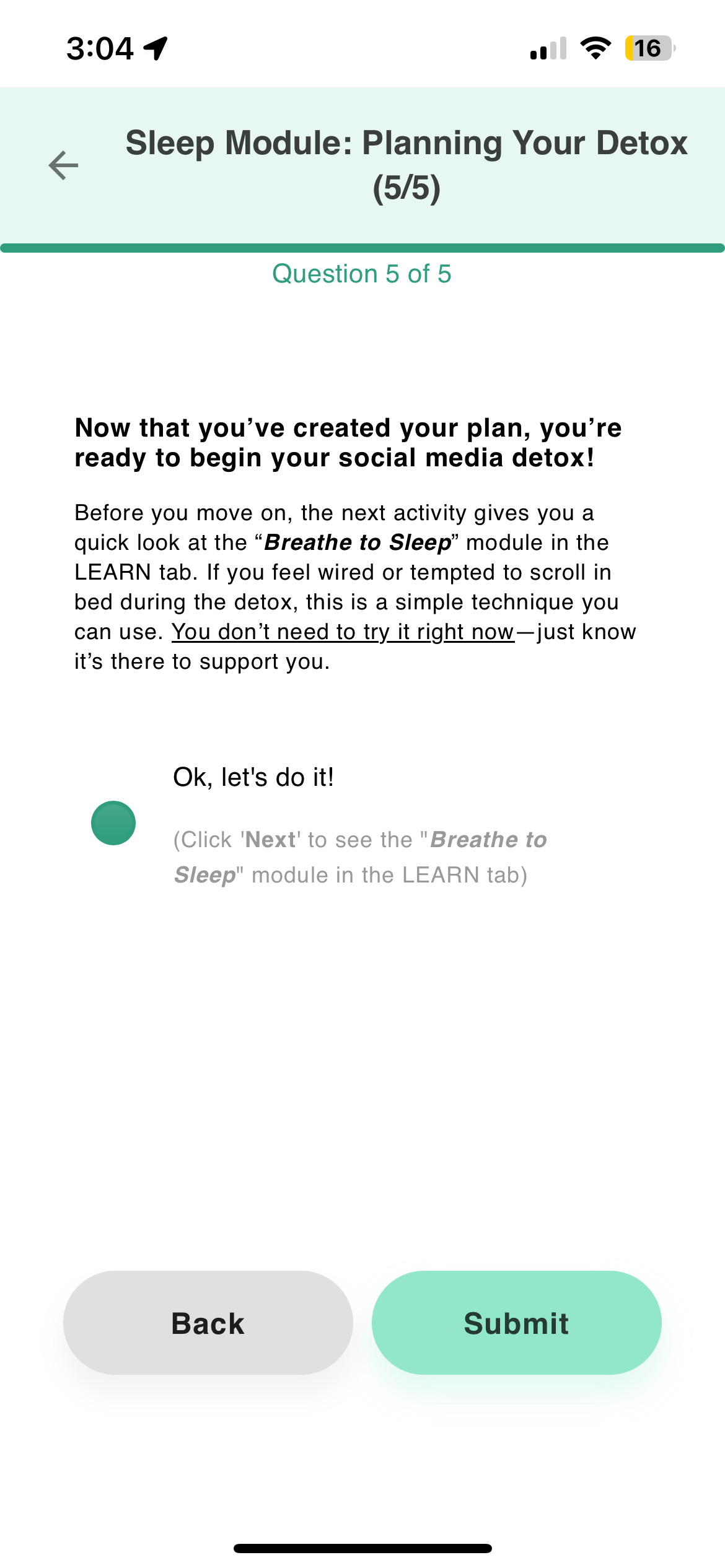
Activity Groups
Related activities can be bundled into sequenced groups. For example, a sleep module might chain together a lesson, a diary survey, and a breathing exercise.
Try It & Self-Help
Try It mode lets anyone explore the app without an account. Self-help tools are also accessible without enrollment.
Feed & notifications โ†’Messaging & account โ†’Activity groups โ†’

Platform & Language Support

Participants use whatever device they already have โ€” iPhone, Android, or web browser. The app interface is available in 10 languages, so participants can use it in their preferred language.

Platforms

iPhone
Android
Web Browser
Apple Watch
Fitbit
Oura Ring
Samsung Galaxy Watch

Languages

EnglishEnglish
SpanishSpanish
FrenchFrench
HindiHindi
GermanGerman
ItalianItalian
KoreanKorean
DanishDanish
Chinese (Simplified)Chinese (Simplified)
Chinese (Traditional)Chinese (Traditional)

Dive Deeper

Explore the guides for each part of the participant experience.
App Overview
Full walkthrough of the mindLAMP app and how participants interact with it.
Read guide โ†’
Activities Reference
All activity types: surveys, cognitive games, tips, diary cards, voice recording, and more.
View reference โ†’
The Feed
How the daily timeline works, notification delivery, and activity completion tracking.
Read guide โ†’
Portal Tab
Participant-facing data visualizations: survey trends, sensor features, and completion history.
Read guide โ†’