Surveys
Surveys are configurable questionnaires that collect structured responses from participants. They are one of the primary tools for active data collection in mindLAMP.
ActivitySpec: lamp.survey
Configuration
Surveys are created and managed through the dashboard's Activities tab.
Creating a New Survey
- Log in to the dashboard and navigate to the Activities tab.
- Click + Add and select Survey Instrument.
- Select the group you wish to add the survey to.
- Title your survey.
- Press the blue (+) icon to add questions.
- Select a question type and enter the question text.
- For types with options (List, Multi-Select, Slider, Rating, Matrix), add response options.
- Optionally add descriptions to questions or individual options.
- Double-check for typos, then press Save.
Question Types
mindLAMP surveys support 10 question types:
| Type | Description | Response Format |
|---|---|---|
| Text | Free-form text box for detailed responses | Free-text string |
| Boolean | Yes / No choice | "True" or "False" |
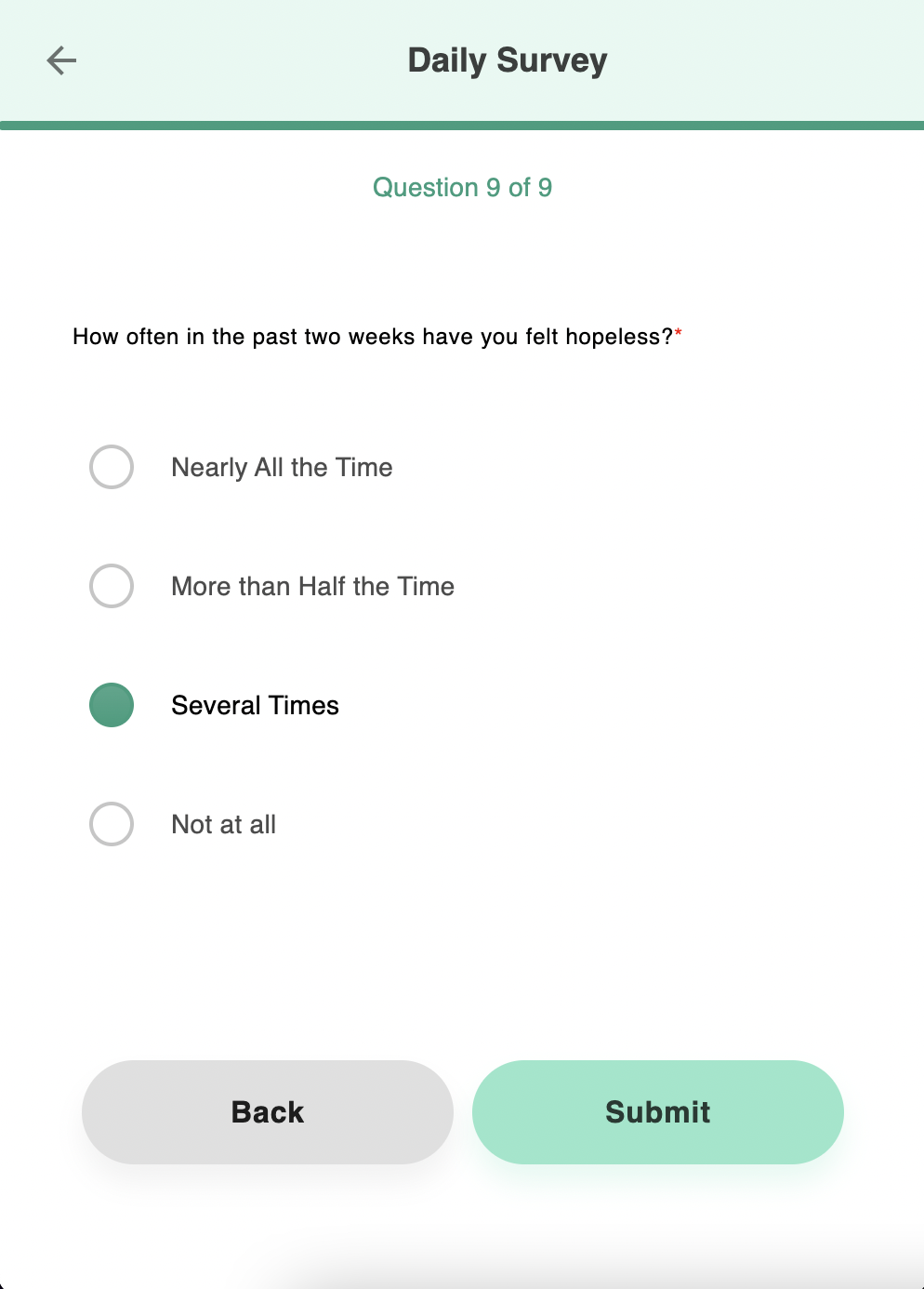
| List | Vertical radio buttons with custom options | Selected option text |
| Multi-Select | Checkboxes — one or more options | Comma-separated string |
| Slider | Horizontal slider with custom options | Numeric string |
| Short Answer | Single-line input for brief responses | Free-text string |
| Rating | Numeric rating options | Numeric string |
| Time | Hours and minutes in HH:MM format (15-min increments) | Time string (e.g., "14:30") |
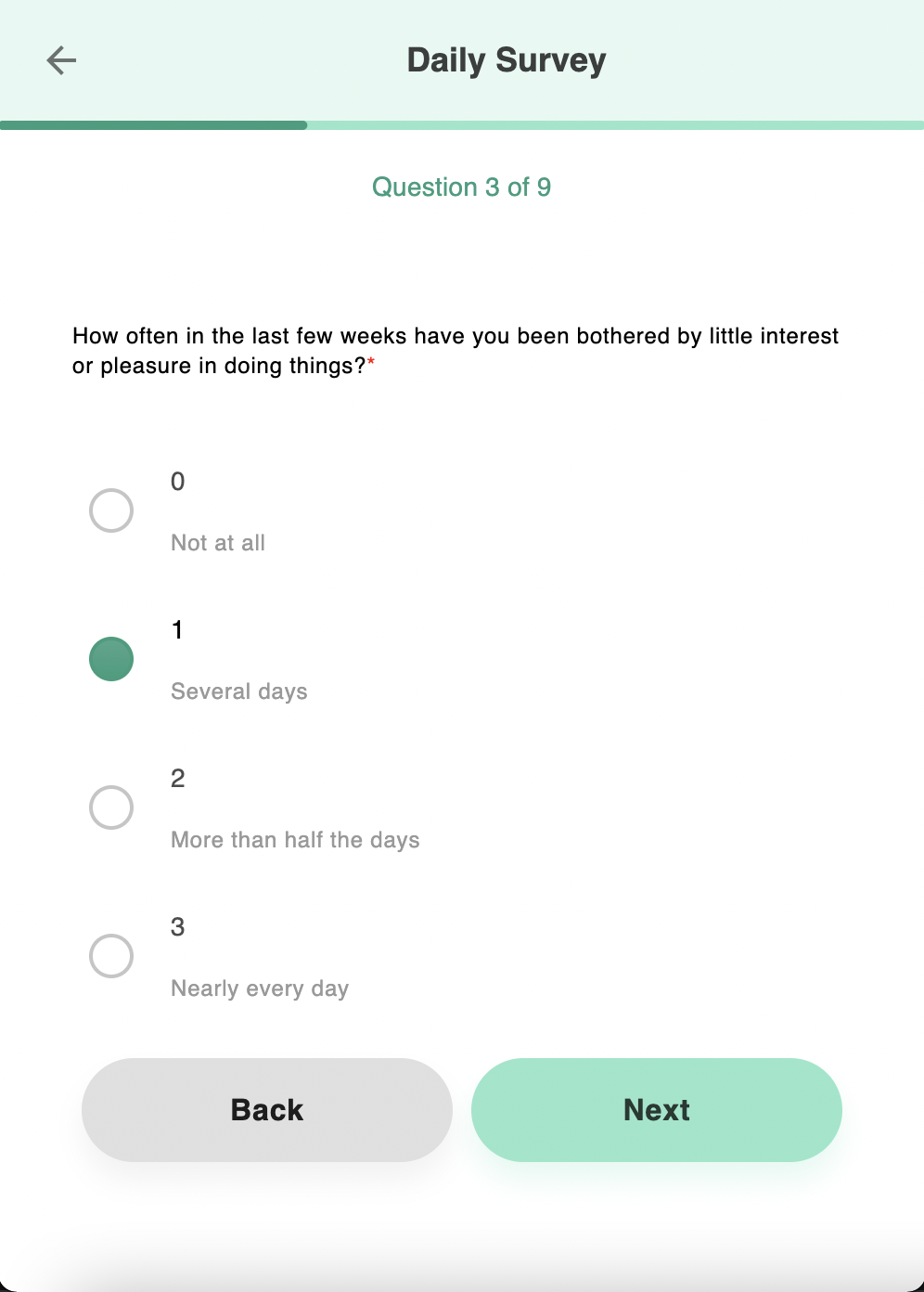
| Likert | Fixed 4-point scale | Numeric string (0–3) |
| Matrix | Groups related items sharing the same response scale | Selected option text |
Question Type Examples
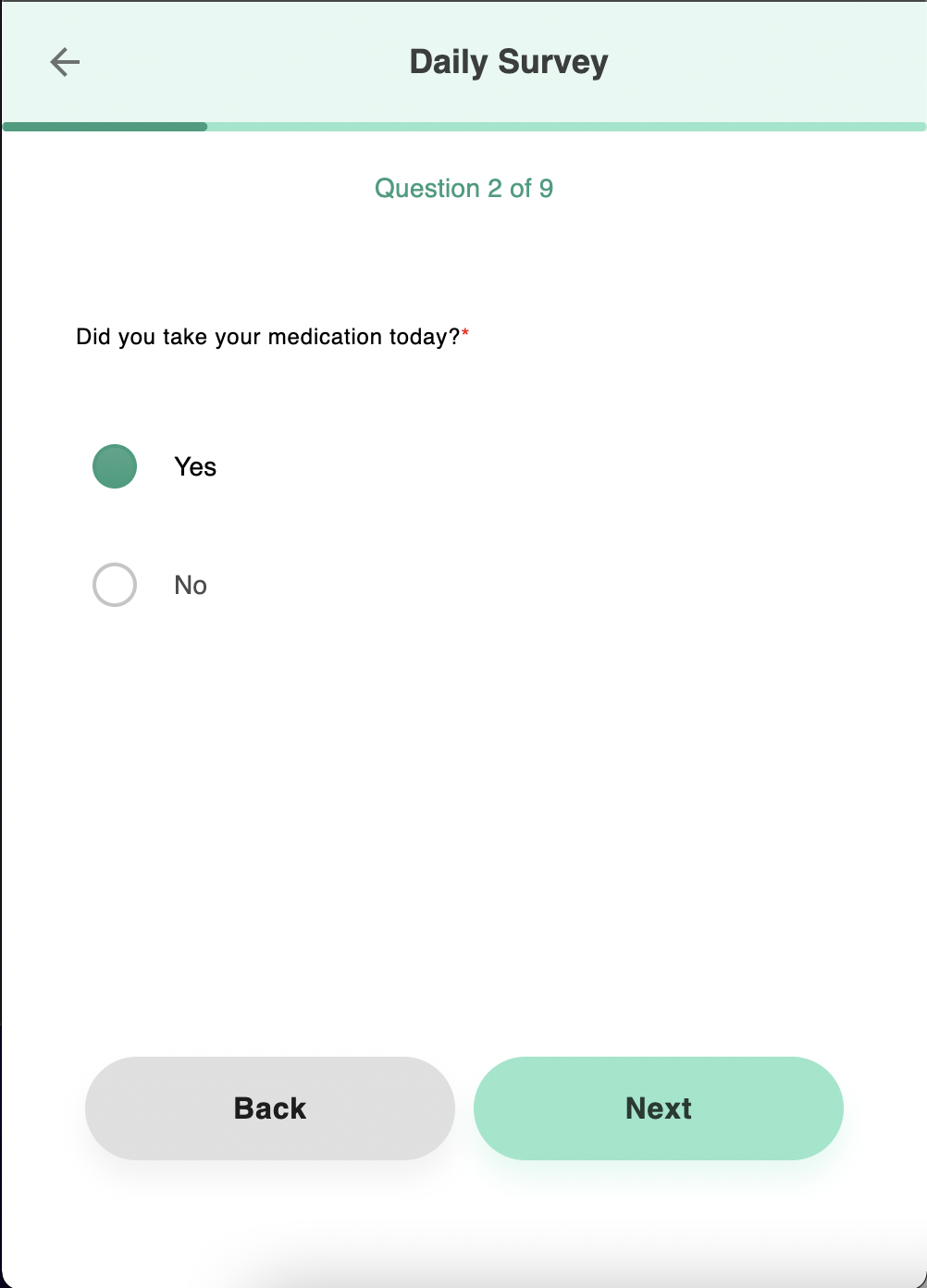 | 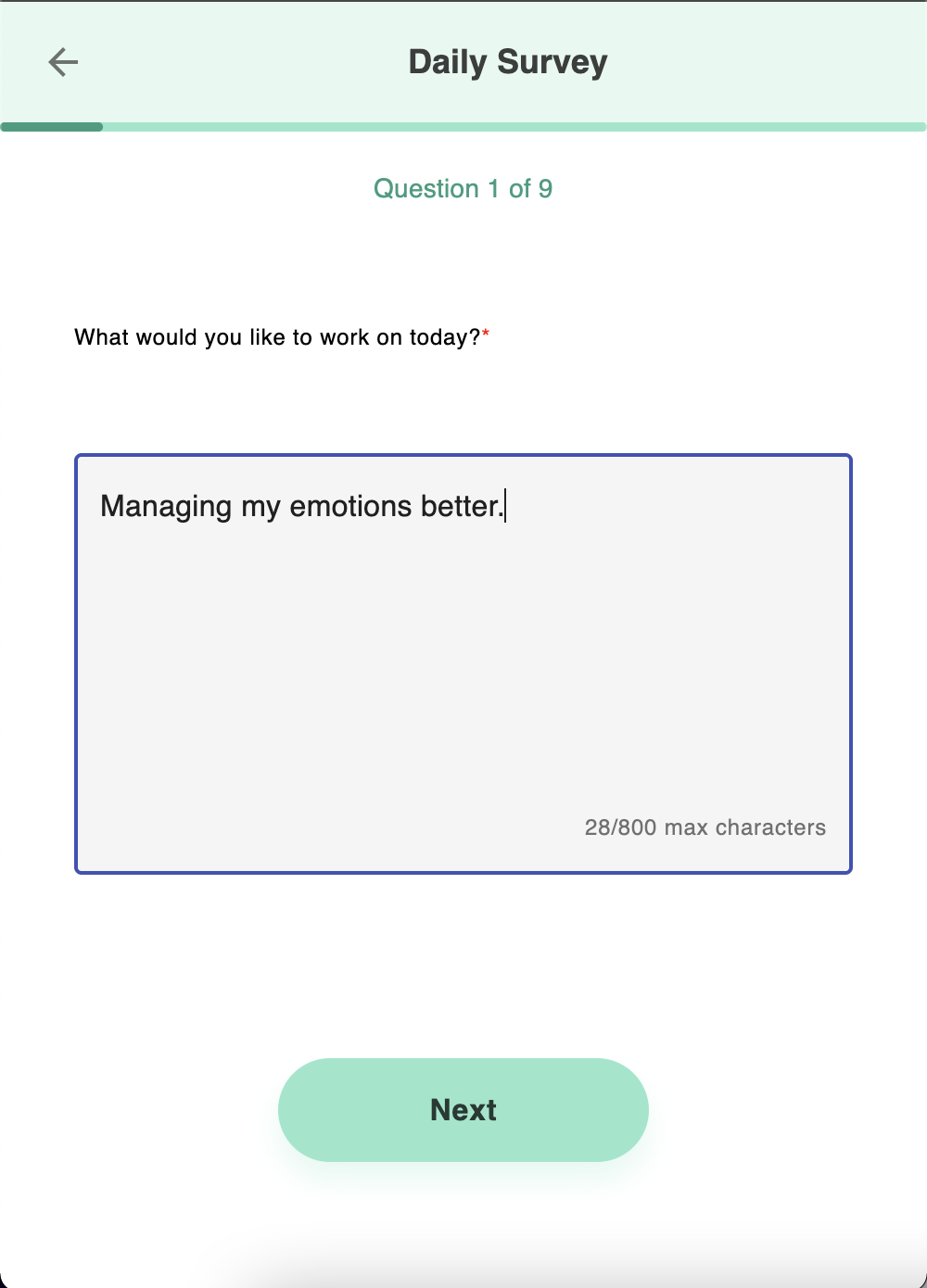 |  |
| Boolean — Yes/No choice | Text — Free-form response | List — Radio buttons |
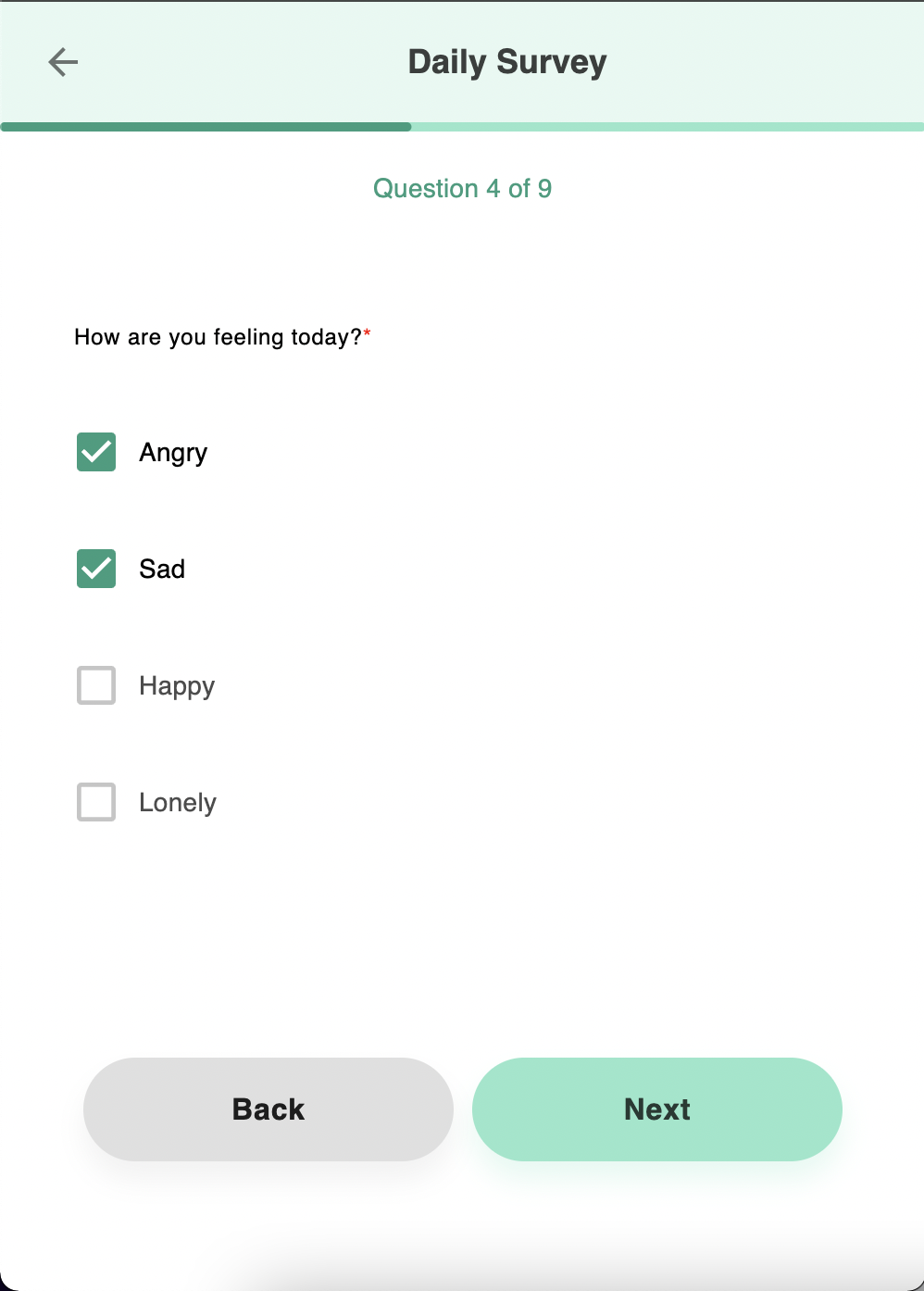 | 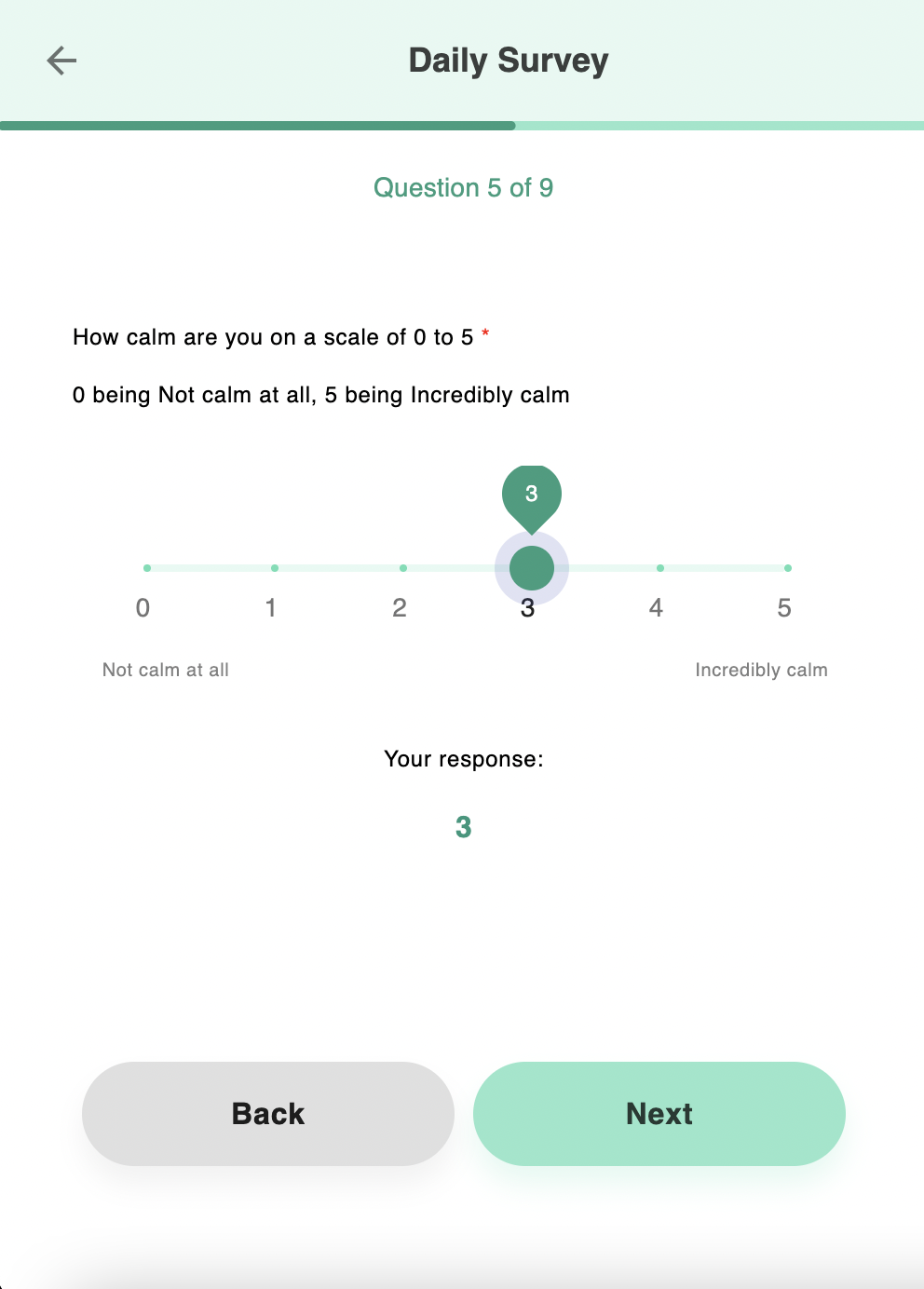 | 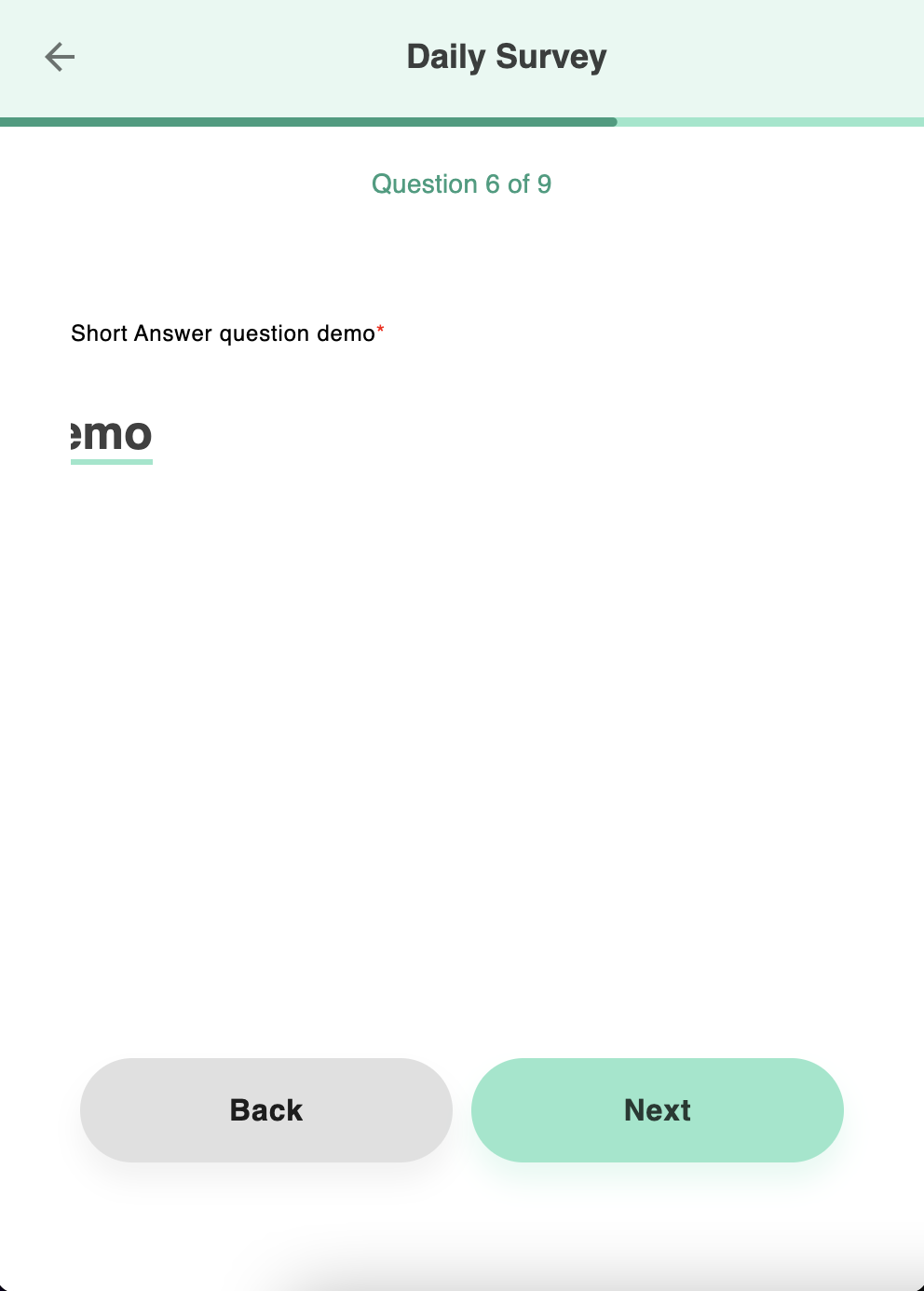 |
| Multi-Select — Checkboxes | Slider — Horizontal slider | Short Answer — Single-line input |
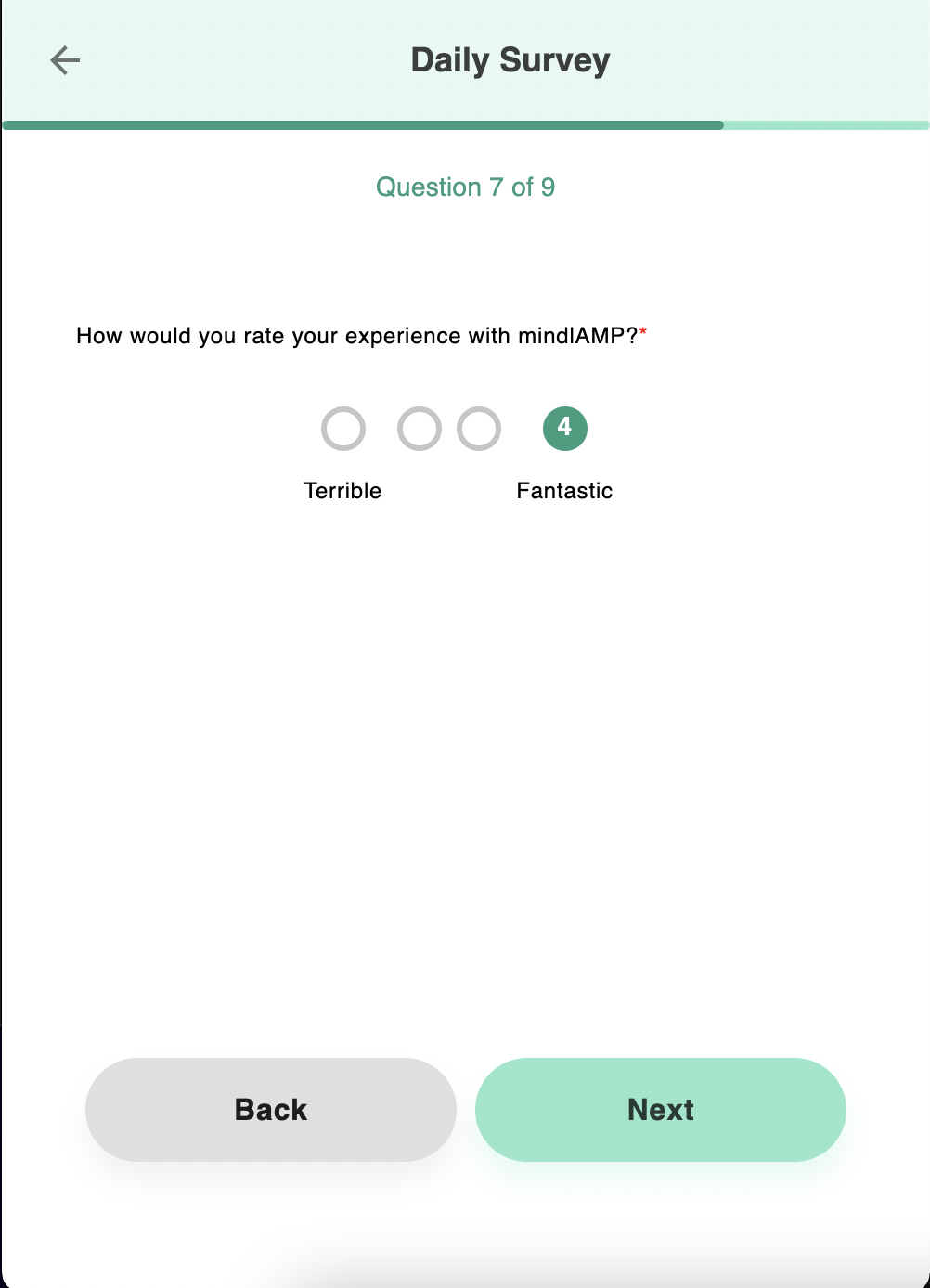 | 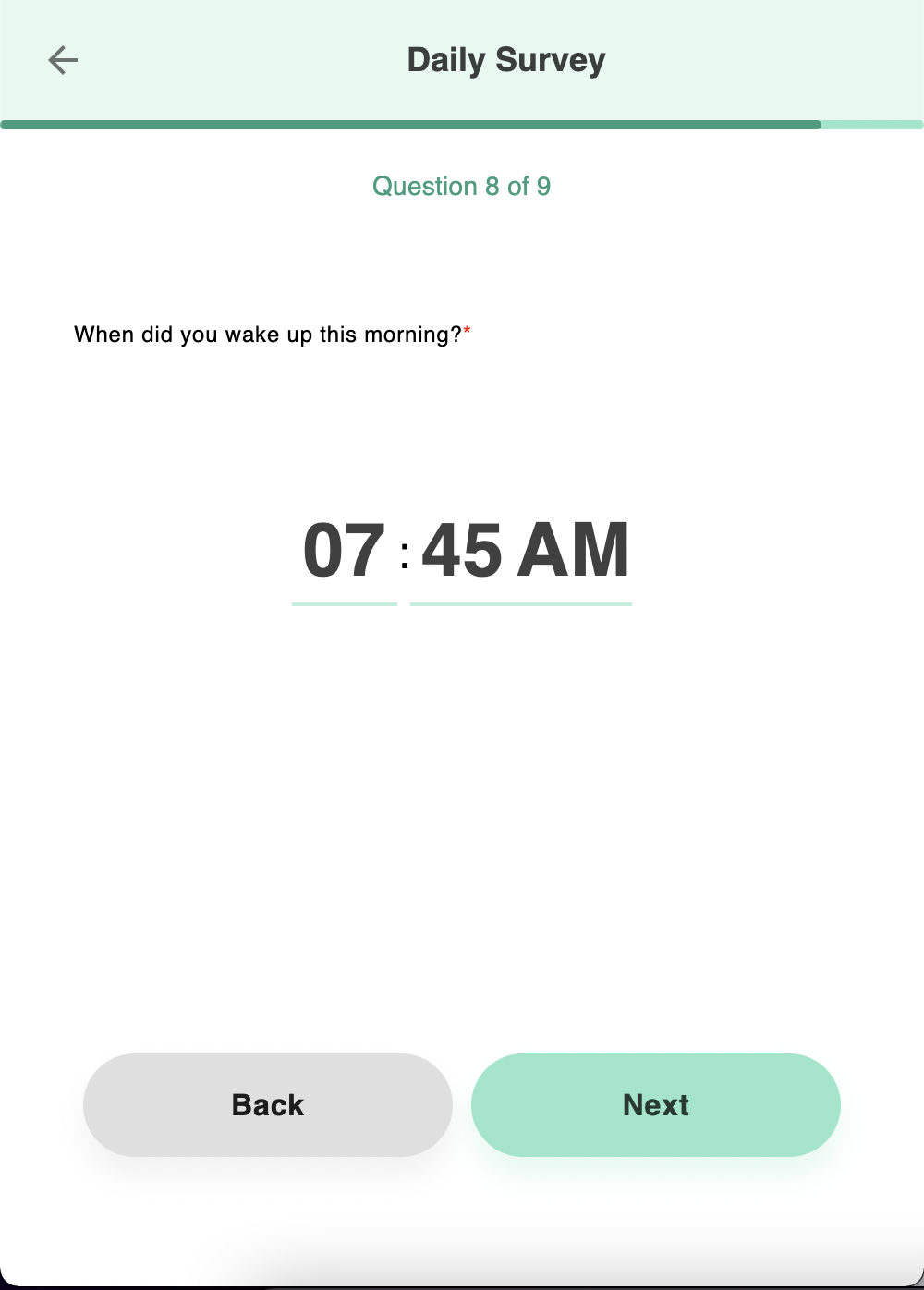 |  |
| Rating — Numeric rating | Time — HH:MM picker | Likert — Fixed 4-point scale |
The Likert type is fixed at 4 points and cannot be modified. For custom scales, use List or Slider instead.
Configuring Matrix Questions
Matrix questions group multiple related items that share the same response scale, displayed as a table with items as rows and options as columns. To create a matrix:
- Add the first question using the response type you want for the entire matrix (e.g., List, Boolean, Likert, Multi-Select, or Rating). This question defines the shared response options and becomes the first row.
- Add subsequent questions with the Matrix type. Each Matrix-type question becomes an additional row in the same table, inheriting the response options from the first question.
The first item's type determines the input style for all rows — radio buttons for List/Boolean/Likert, checkboxes for Multi-Select, or rating controls for Rating. Column headers show the option descriptions (if provided) and values.
Editing and Managing Questions
- Reorder — Drag questions to rearrange their order.
- Duplicate — Copy an existing question as a starting point for a new one.
- Delete — Press the trash can icon to remove questions or options.
Embedding Images
Questions can include embedded images using HTML or Markdown within the question text or descriptions. For portability, consider encoding images as base64 data URIs.
Importing Pre-Built Surveys
Instead of building from scratch, import validated instruments:
- Click + Add, then select the import icon.
- Select the target group.
- Drag or select a JSON file.
- Tap Import.
See Import & Export for details.
Validated Instruments
Pre-built clinical instruments available for import:
| Instrument | Abbreviation | Measures | Download |
|---|---|---|---|
| Patient Health Questionnaire-9 | PHQ-9 | Depression severity | Daily, Biweekly |
| Generalized Anxiety Disorder-7 | GAD-7 | Anxiety severity | Daily |
| Pittsburgh Sleep Quality Index | PSQI | Sleep quality | Monthly |
| Perceived Stress Scale | PSS | Perceived stress | — |
| Prodromal Questionnaire-16 | PQ-16 | Prodromal psychosis symptoms | — |
| Warning Signal Scale | WSS | Warning signals | Biweekly |
| Concise Health Risk Tracking Self-Report 16 | CHRT-SR16 | Health risk | Weekly |
| Dialectical Behavior Therapy — Ways of Coping | D-WAI | Coping mechanisms | — |
| UCLA Loneliness Scale | UCLA Loneliness | Loneliness | — |
If you have a validated survey instrument to contribute, please contact the mindLAMP team.
Usage
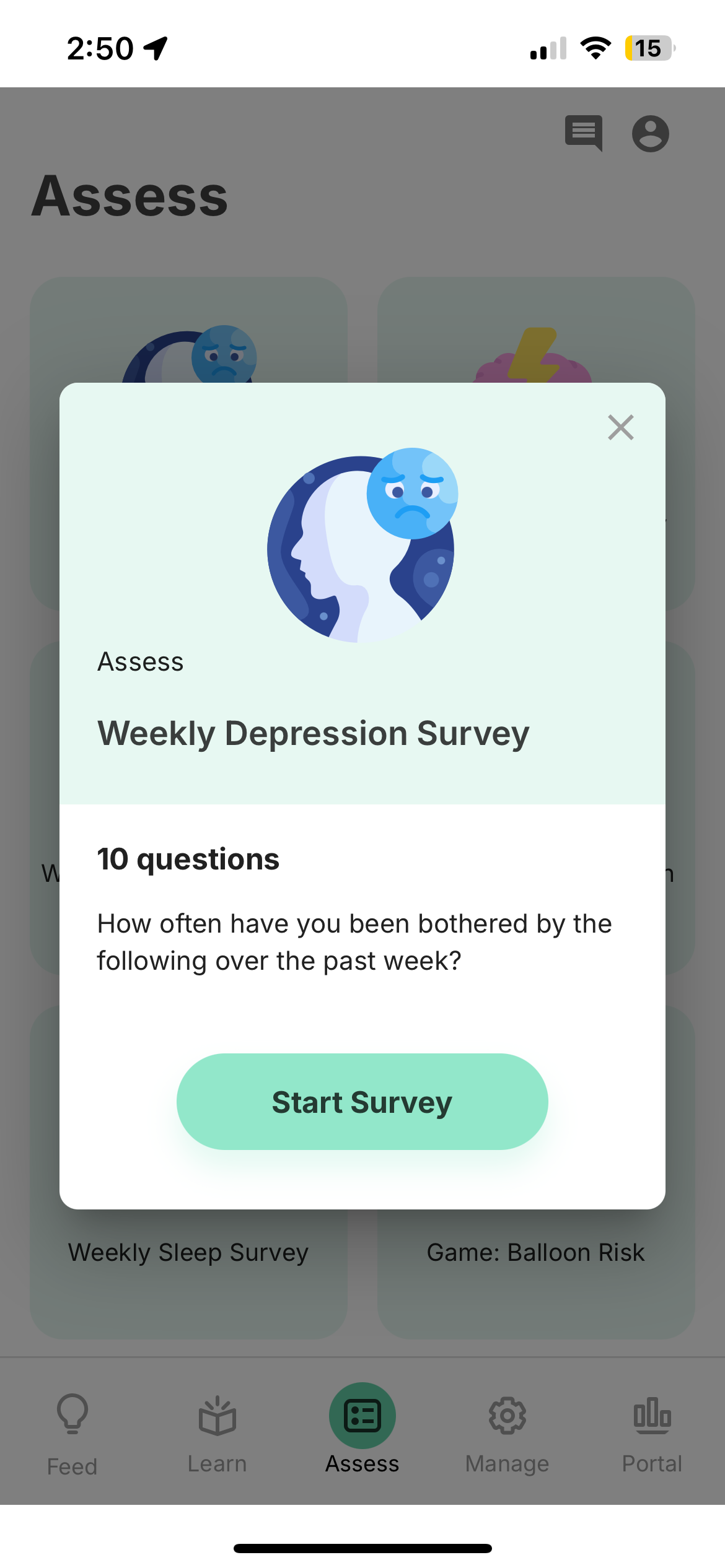
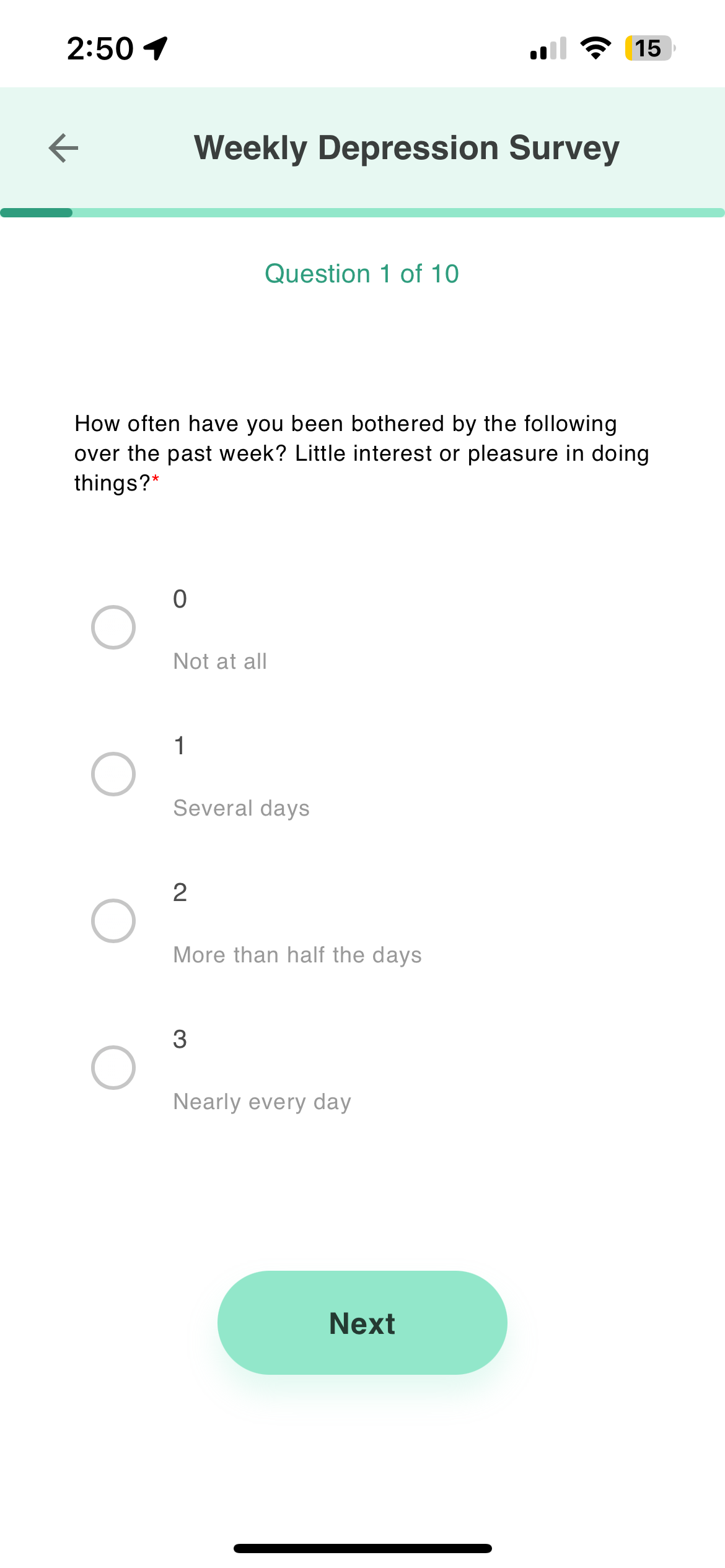
Surveys can appear on the Assess tab and in the Feed when scheduled. Participants answer each question in sequence.
Mid-Survey Behavior
If a participant closes the app mid-survey, progress is auto-saved locally and they can resume or start over on return. No partial responses are sent to the server. See Mid-Activity Behavior for details.
Version Control
The platform automatically tracks changes to survey questions and responses. When updating a survey, consider creating a new version (via Duplicate) instead of modifying the existing one to preserve data integrity.
Tips
- Use clear, concise question text.
- Add descriptions to options when the meaning may not be obvious.
- Test your survey by previewing before scheduling.
- For validated instruments, use pre-built JSON imports to ensure accuracy.
Data
static_data
Unused for surveys (always {}).
temporal_slices
One entry per question:
| Field | Type | Description |
|---|---|---|
item | string | The question text as displayed to the participant |
value | string | The selected response. Numeric responses are stored as strings (e.g., "7"). |
type | null | Unused for surveys |
duration | integer | Time spent on this question in milliseconds |
level | null | Unused for surveys |
Settings Schema
Survey settings are stored on the activity definition:
{
  "name": "Morning Check-In",
  "settings": [
    {
      "text": "How are you feeling today?",
      "type": "list",
      "required": true,
      "options": ["Great", "Good", "Okay", "Poor"]
    },
    {
      "text": "Rate your energy level",
      "type": "slider",
      "required": false,
      "options": [0, 1, 2, 3, 4, 5, 6, 7, 8, 9, 10]
    }
  ]
}
Example
{
  "timestamp": 1634047106612,
  "activity": "e2wxcekbb0typzdtz0pb",
  "duration": 3735,
  "static_data": {},
  "temporal_slices": [
    {
      "item": "How are you feeling today?",
      "value": "Good",
      "type": null,
      "duration": 2500,
      "level": null
    },
    {
      "item": "Rate your sleep quality (0-10)",
      "value": "7",
      "type": null,
      "duration": 1235,
      "level": null
    }
  ]
}
Cortex Features
survey (raw) → survey_scores (primary) → survey_results (secondary)
survey— Retrieves survey events with individual question responses.survey_scores— Computes aggregate scores per survey category using a configurable scoring dictionary.survey_results— Averages scores for a specified question or category across a time window.
View in Portal | Python SDK | API Reference