Account & Messages
These features are available across all pages of the mindLAMP app, accessible from the icons in the top-right corner of the navigation bar.

Messaging
If messaging is enabled by the study team, participants can communicate with their care team or study coordinators through the app. The message icon opens a notification panel showing messages from the study team. A dedicated Messages page provides a full chat interface for back-and-forth conversation.
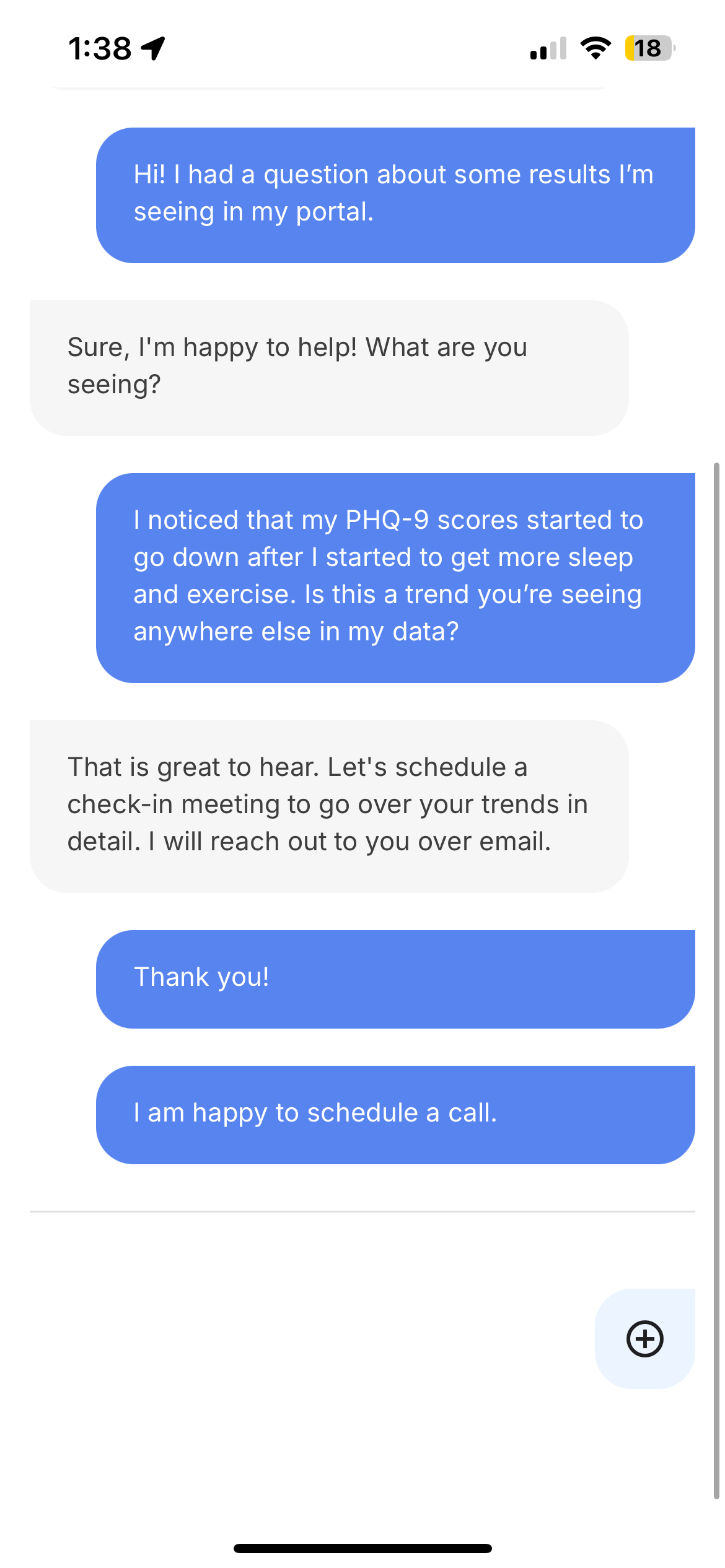
See Messaging for details on how messaging is configured.
Profile
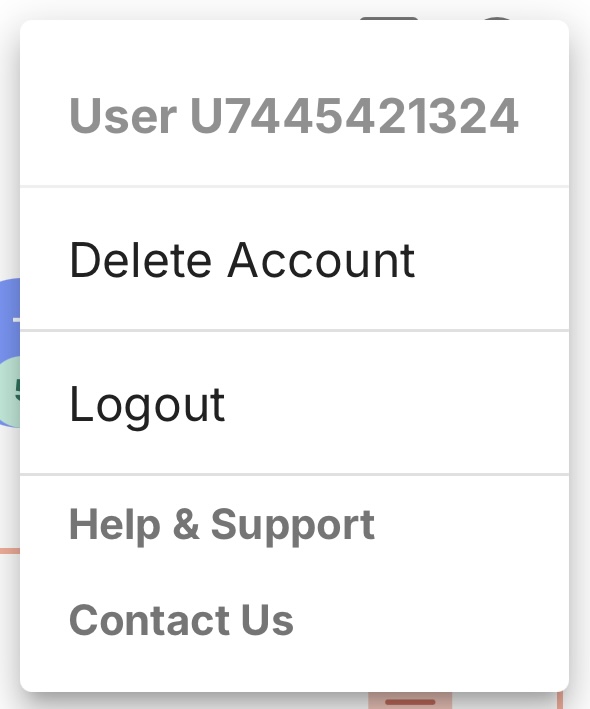
The profile icon provides access to account management options.
User ID
Each participant is assigned a de-identified user identifier (typically starting with "U" followed by random digits). This identifier is visible in the profile dropdown and is used for all data storage and communication with the study team.
Delete Account
Participants can request account deletion from the profile dropdown. This action is irreversible — all data associated with the account will be permanently deleted.
Logout
Participants can log out from the profile dropdown. After logging out, the app stops collecting data until the participant signs back in. Note: logging out and signing back in requires credentials.
Help & Support
Help & Support links to the mindLAMP documentation site. Contact Us provides the email address for the BIDMC Digital Psychiatry team. For direct support with your study, contact your program coordinator.