Activity Usage
This page covers how participants interact with activities across the mindLAMP app.
How Activities Appear
Feed Tab
Scheduled activities appear in the Feed tab as tappable cards. The Feed shows activities that are currently available based on their schedule. See Scheduling for how schedule types affect when activities become clickable.
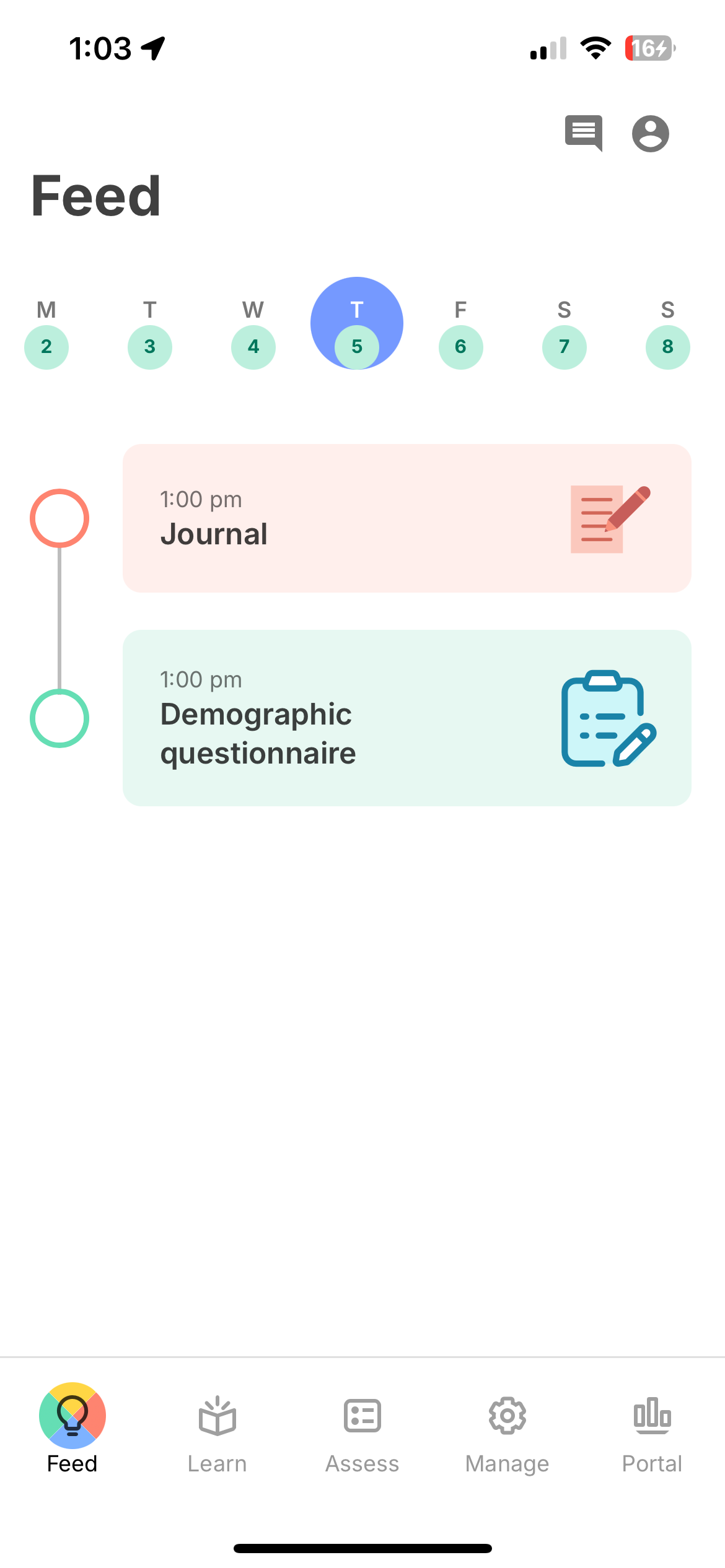 | 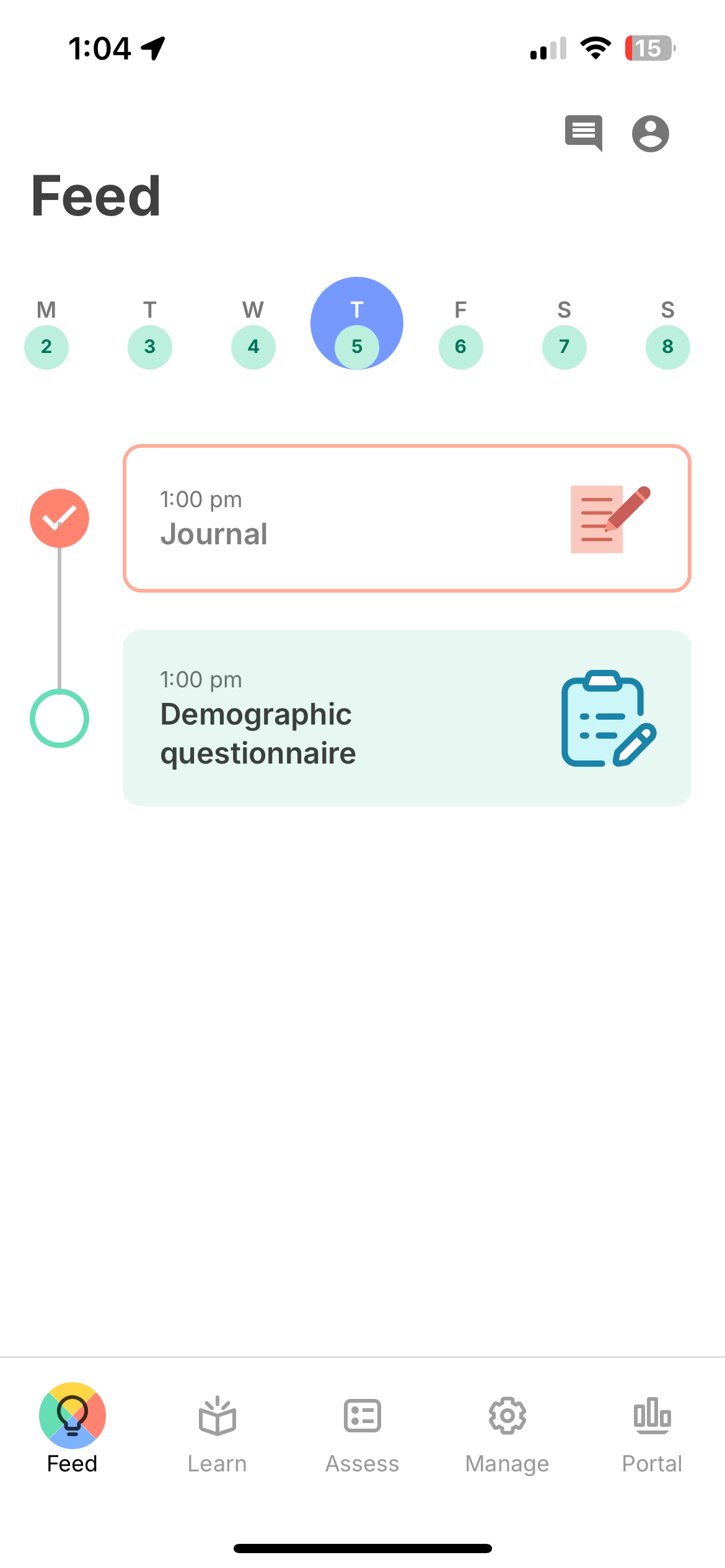 |
| Scheduled activities in the Feed | Completed activities in the Feed |
Learn, Assess, and Manage Tabs
Activities are organized into three content tabs based on their type:
- Learn — Educational content (Tips)
- Assess — Surveys, cognitive games, voice recordings, and other assessments
- Manage — Self-management tools (Breathe, Journal)
Activities on these tabs are always accessible regardless of schedule. See Learn, Assess & Manage for details on each tab.
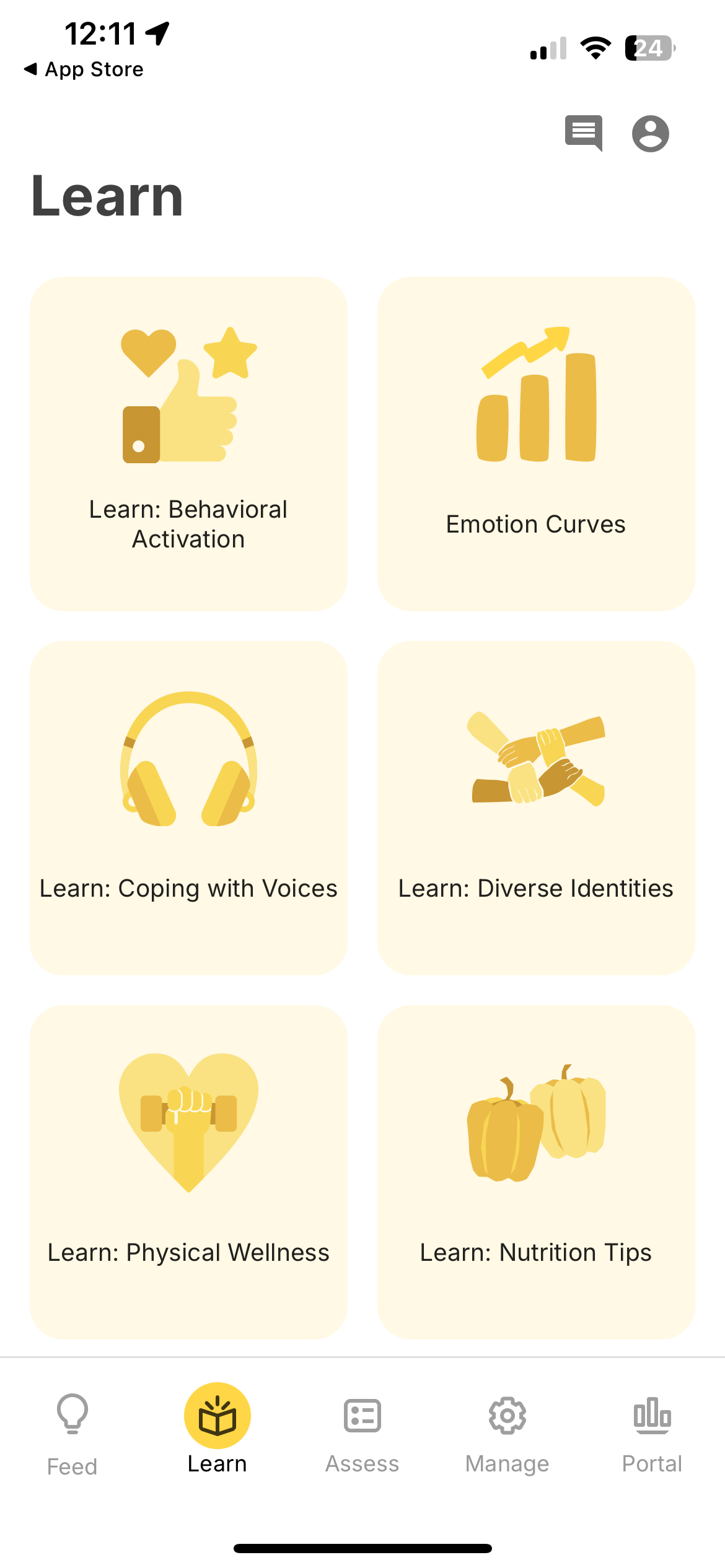 | 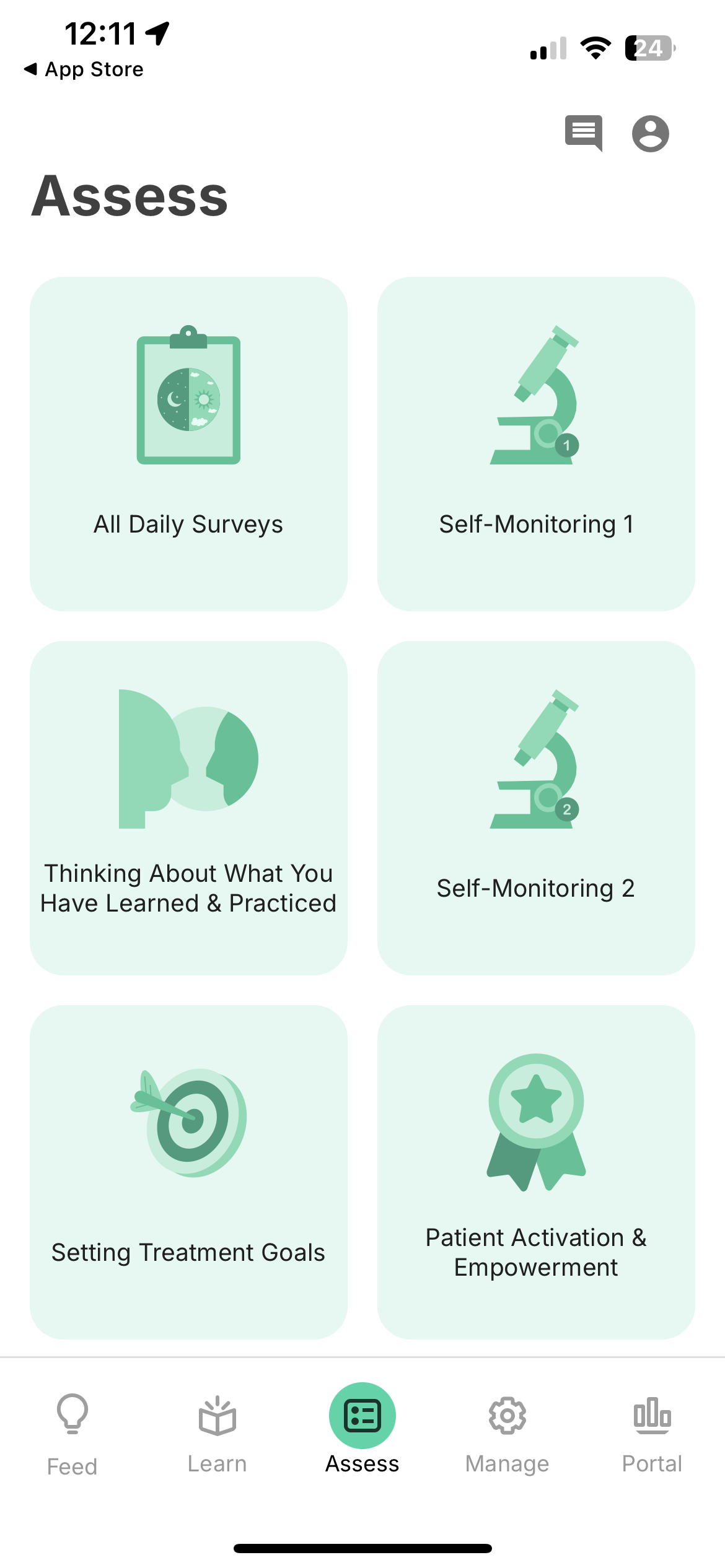 | 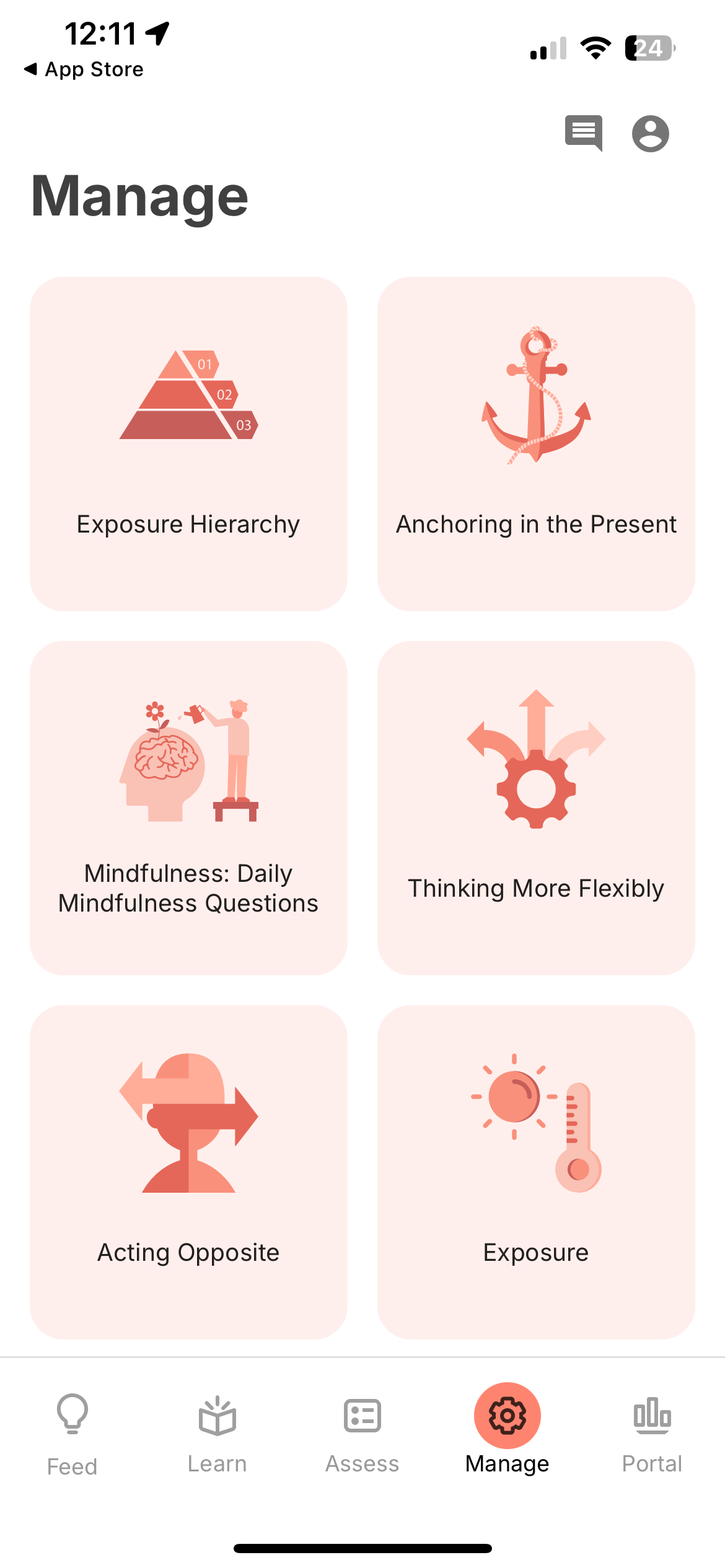 |
| Learn | Assess | Manage |
Notifications
When an activity is scheduled, participants receive push notifications at the scheduled time. Notifications are delivered server-side via APNs (iOS) and FCM (Android), so they are received even if the app is not running. See Scheduling for notification configuration.
Completion Flow
When a participant completes an activity:
- The response is submitted to the server as an
ActivityEvent. - If streak tracking is enabled, a popup may appear showing the participant's consecutive-day streak.
- The activity is marked as completed in the Feed for that schedule period.
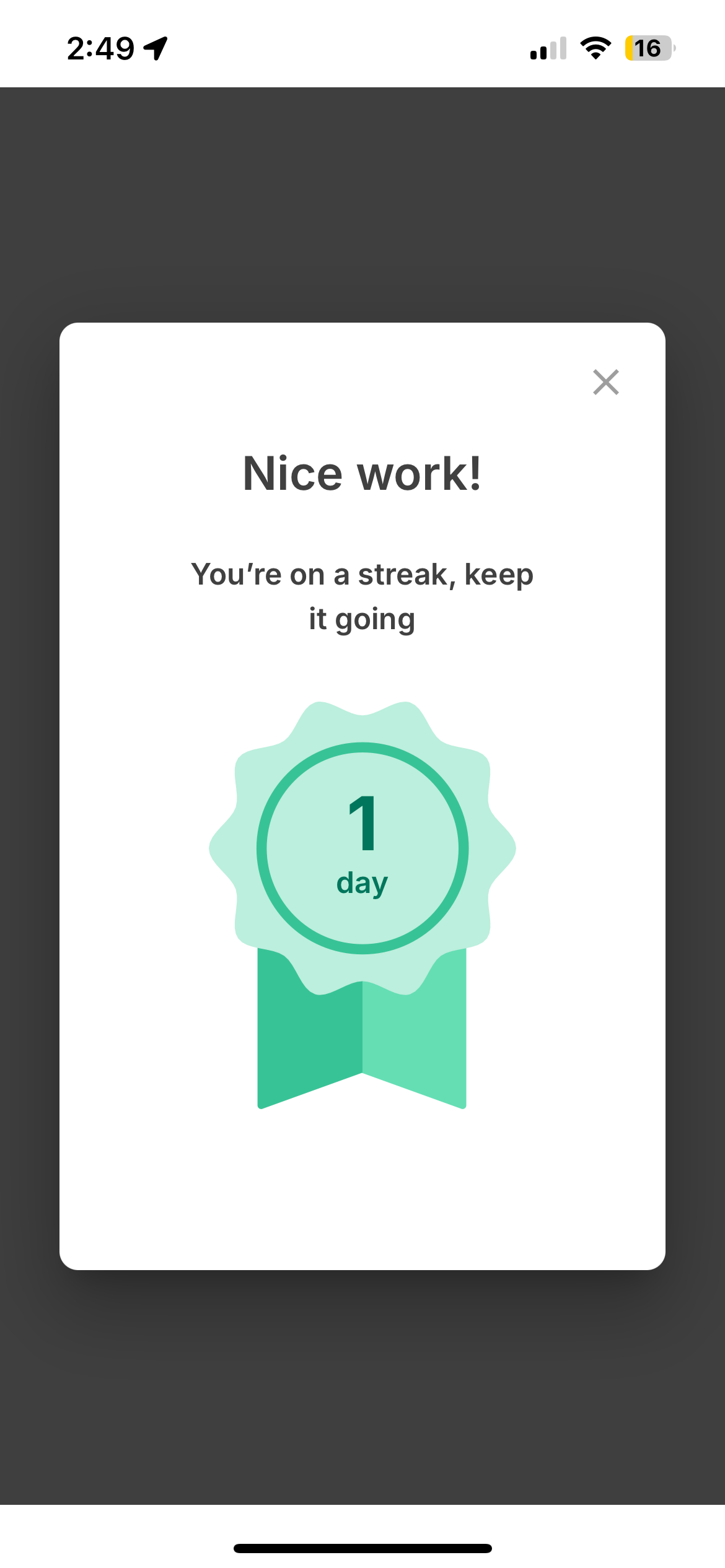
Mid-Activity Behavior
Progress is auto-saved locally after every question or action. If a participant closes the app or navigates away mid-activity:
- On return: A dialog asks whether to resume where they left off or start over.
- If they resume: All previously answered questions are restored and they can continue.
- If they never return: The local data is eventually cleared by the browser. No record of the attempt exists on the server.
No partial responses are sent to the server. Only fully completed and submitted activities create an ActivityEvent in the LAMP API. If a participant abandons an activity, researchers will see no data for that attempt.
Offline Behavior
Activities can be completed while the device is offline. Responses are cached locally and synced to the server when connectivity is restored.