Dashboard Update: Sign-In Changes (Phase 1)


This is Phase 1 of the mindLAMP Authentication Upgrade. On Wednesday, July 29, we're updating the LAMP Dashboard and JavaScript SDK, a first step ahead of the larger security upgrade coming later this summer.
The changes are fully backward-compatible. Passive data collection will be unaffected, and no one will be logged out. The one visible change is at sign-in: instead of entering a server address, you'll select your server with a button.
- Researchers will log in as usual, choosing their server with a button.
- Participants will not be logged out by this update, so nothing changes for them at release. They'll see the new server-selection step the next time they sign in for any reason: a new participant on first login, or an existing participant after reinstalling the app, logging out, or signing in on a new device.
Find your setup
At sign-in, you'll choose your organization or study from a set of cards:
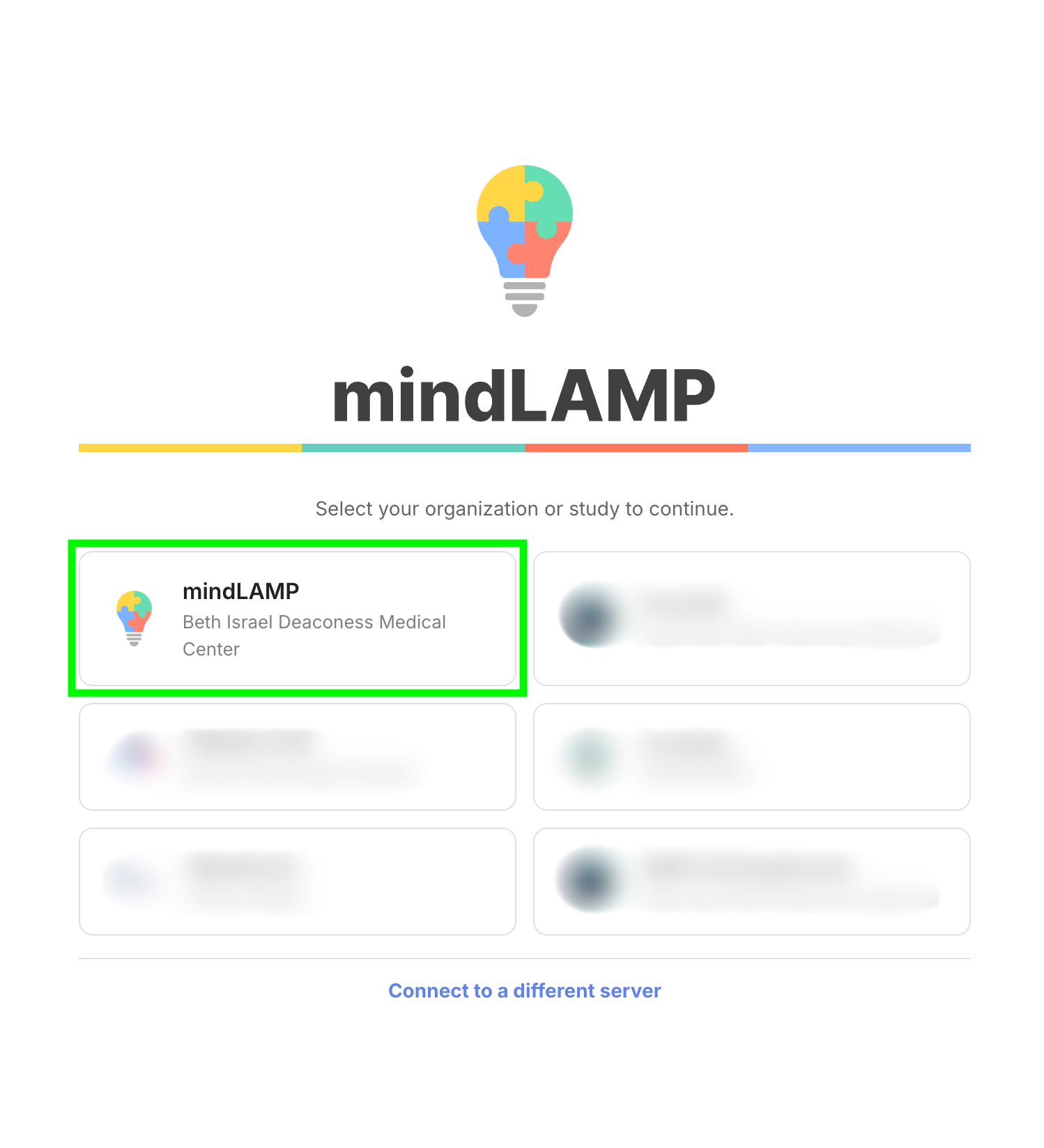
BIDMC-hosted server teams
(You don't run your own server, so you typically leave the server address blank when logging in.)
Researchers and first-time participants will connect using the mindLAMP / BIDMC button (highlighted above).
Self-hosted teams
(You host your own server and database.)
Teams with a sign-in card will connect by selecting their card. If you don't have a card, or would rather not use one, choose Connect to a different server and enter your server address manually, as before.
We've contacted the teams that already have a card directly. If you run your own server, did not hear from us, and think you need a card, email mindlamp@bidmc.harvard.edu. To change the name, logo, or host organization on an existing card, let us know by Tuesday, July 28.
What's next
This is the first step. The core security upgrade rolls out later this summer: session-based authentication, two-factor/OAuth for staff, and API keys for LAMP-py. For the full picture, who's affected, and how to prepare, see The mindLAMP Authentication Upgrade. We'll notify all teams directly before anything changes, so no action is needed now.
Self-hosted teams: all client updates (dashboard, mobile apps, SDKs) remain compatible with currently released server versions, so no action is required.
Questions?
Questions or problems? Email mindlamp@bidmc.harvard.edu.